Midjourney V8.2 Guide: Prompts, Aspect Ratio, Edit Model and 5-Second Video

Midjourney V8.2 has been the default Midjourney version since July 24, 2026
One prompt returns four images, and any of them can become a short video inside Midjourney
This guide sticks to what the official documentation says
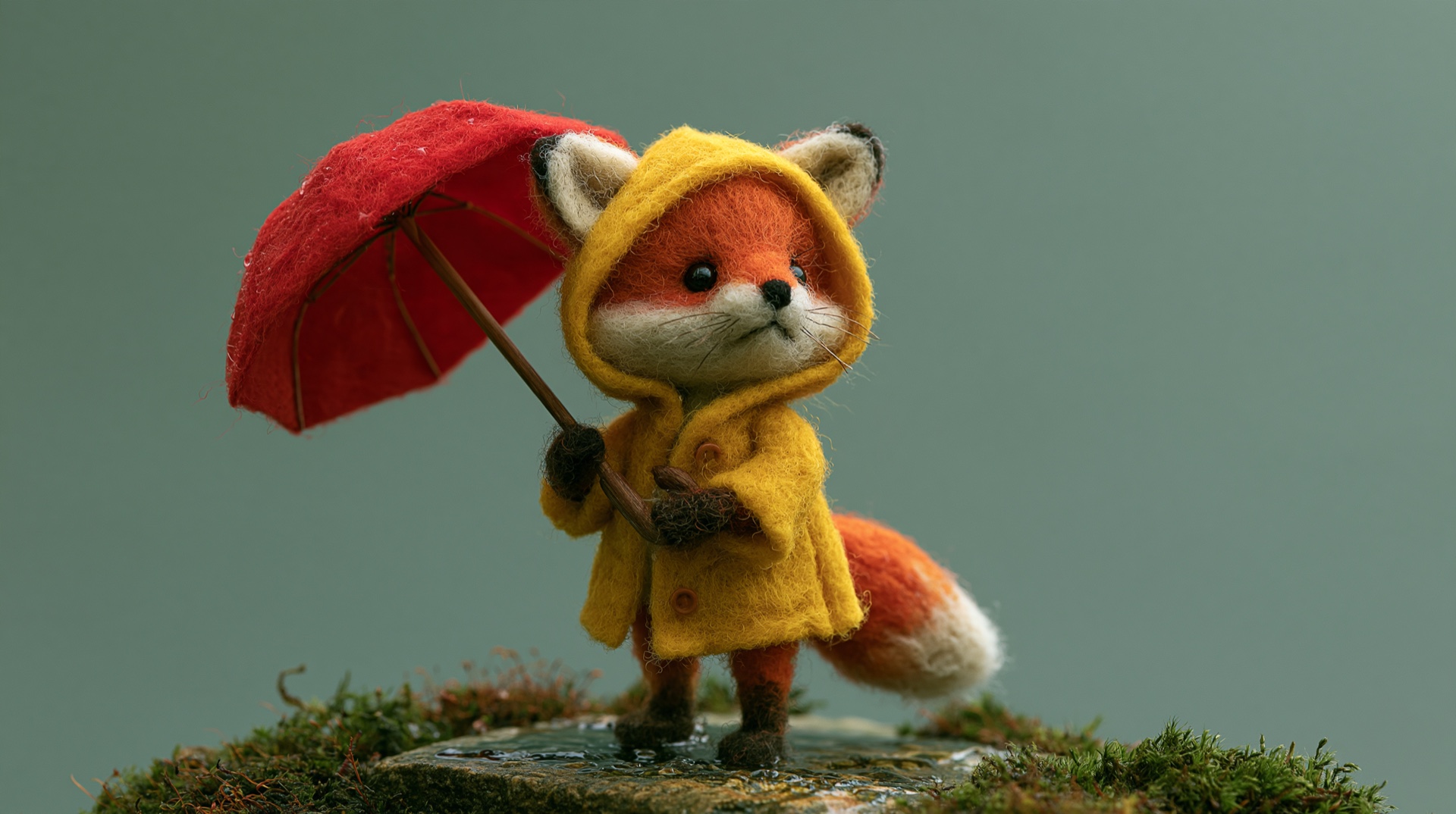
a needle-felted fox in a yellow raincoat holding a red umbrella
Write short, clear prompts
The official docs say short and simple prompts usually work best, and long lists of instructions can confuse the process
Think about subject, medium, environment, lighting, color, mood and composition, and include only what matters to you
Use specific numbers such as three cats, and describe what you want instead of what you do not want
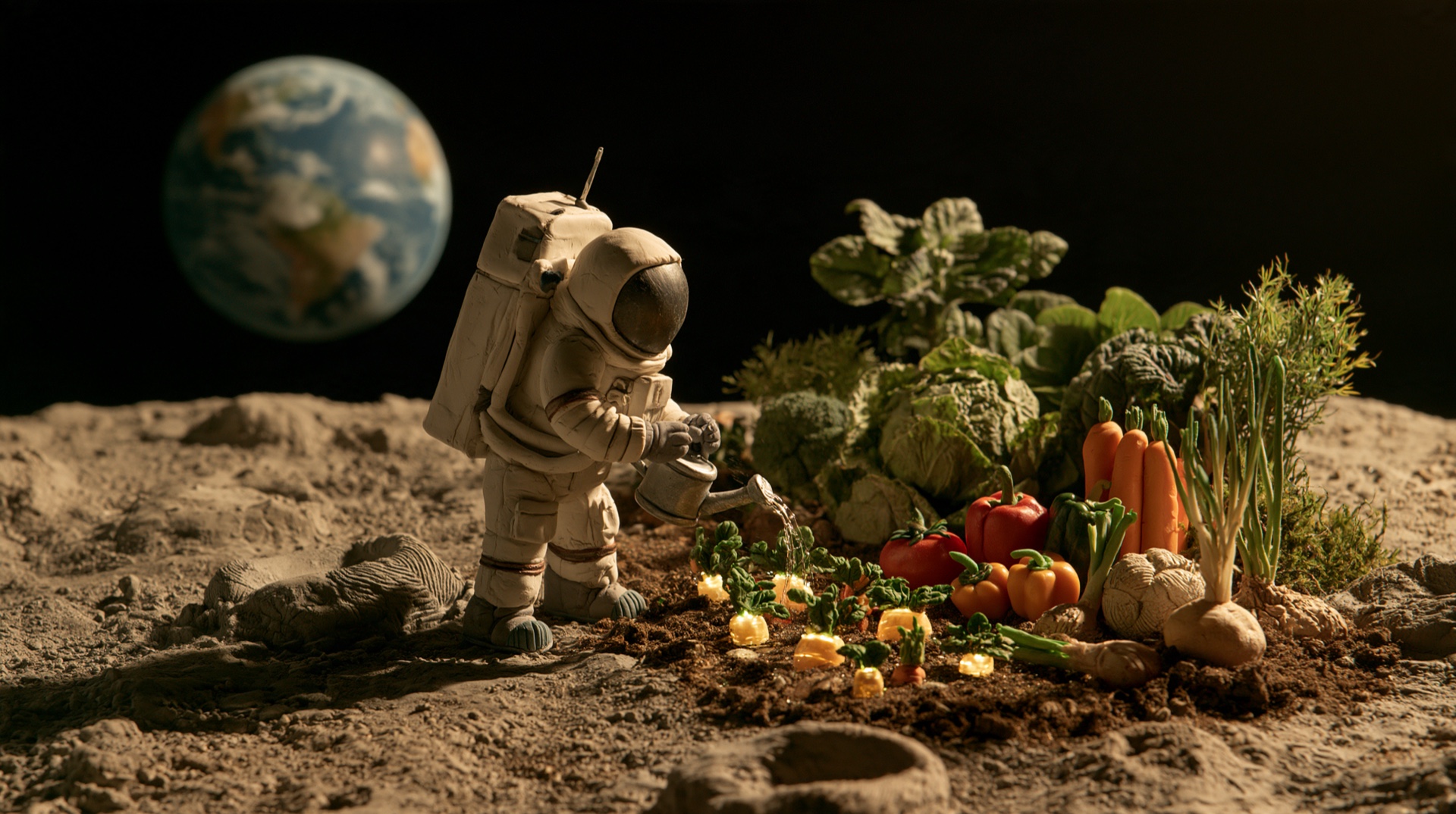
a clay astronaut watering a vegetable patch on the moon
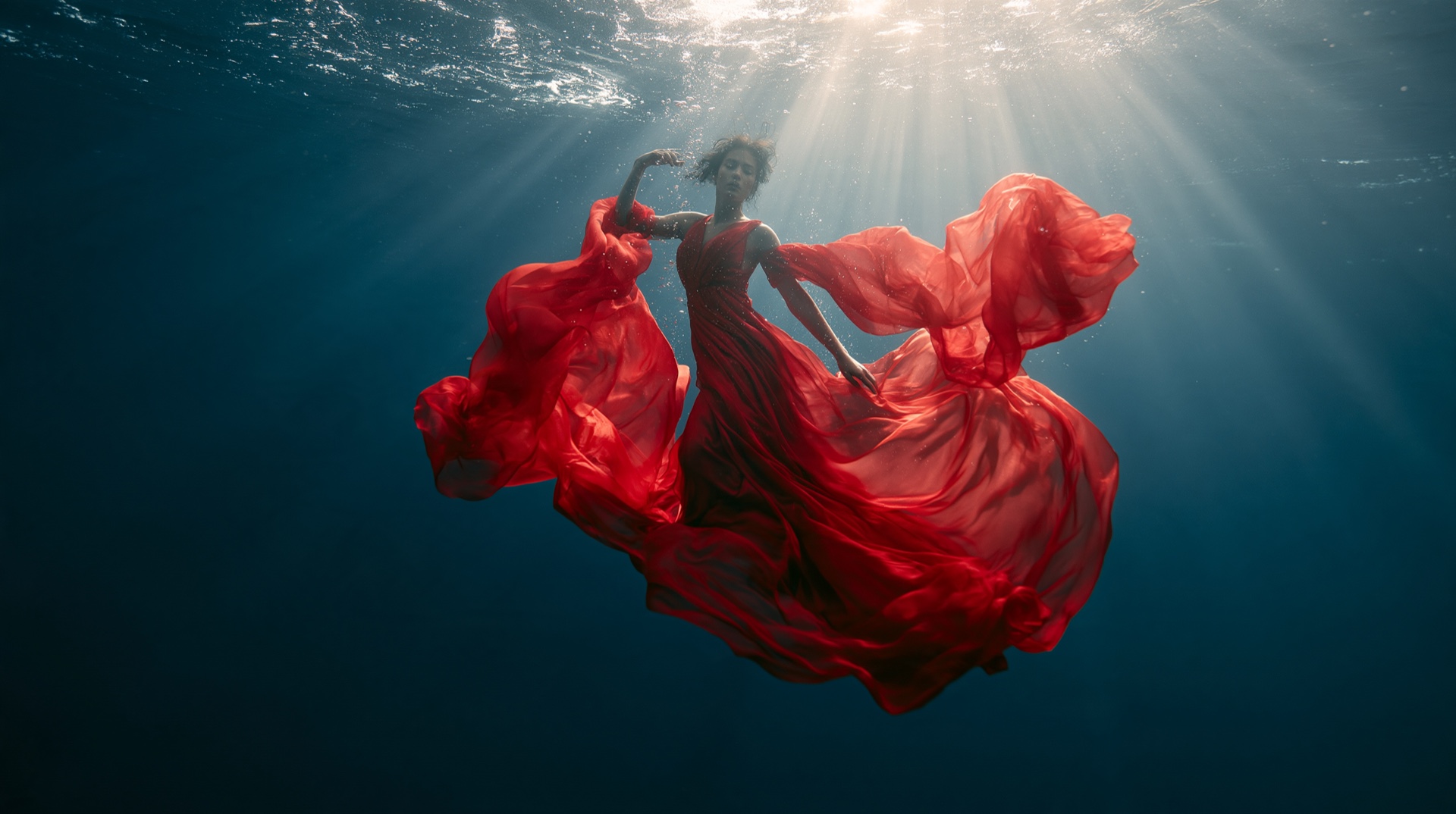
a red dress billowing underwater under sunbeams
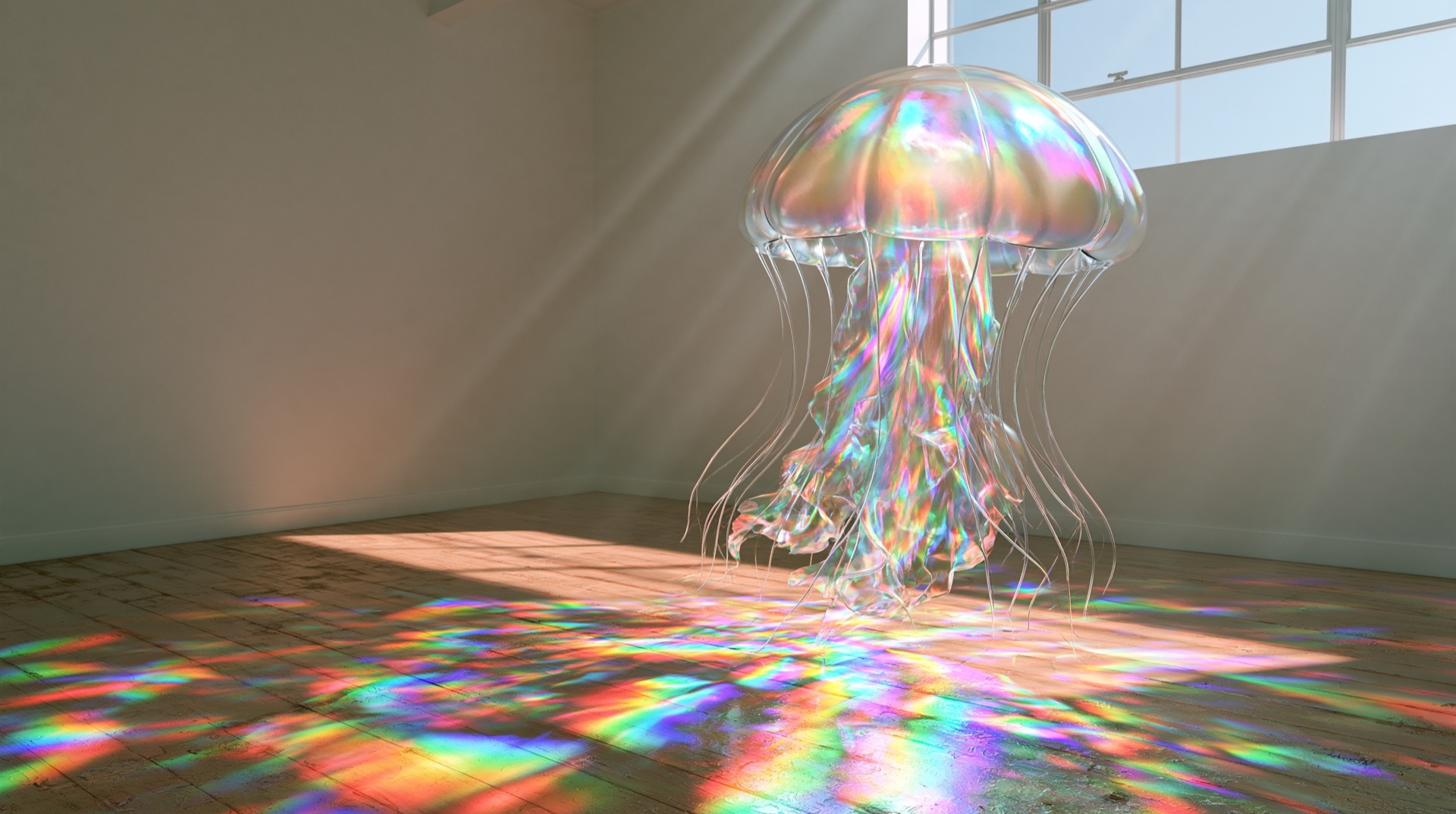
an iridescent glass jellyfish floating in a sunlit empty room
Remove things with --no
Writing no cake can still put a cake in the picture
Add --no at the end of the prompt instead, separating several items with commas
The moderation system reads each word after --no on its own, so be careful with clothing words
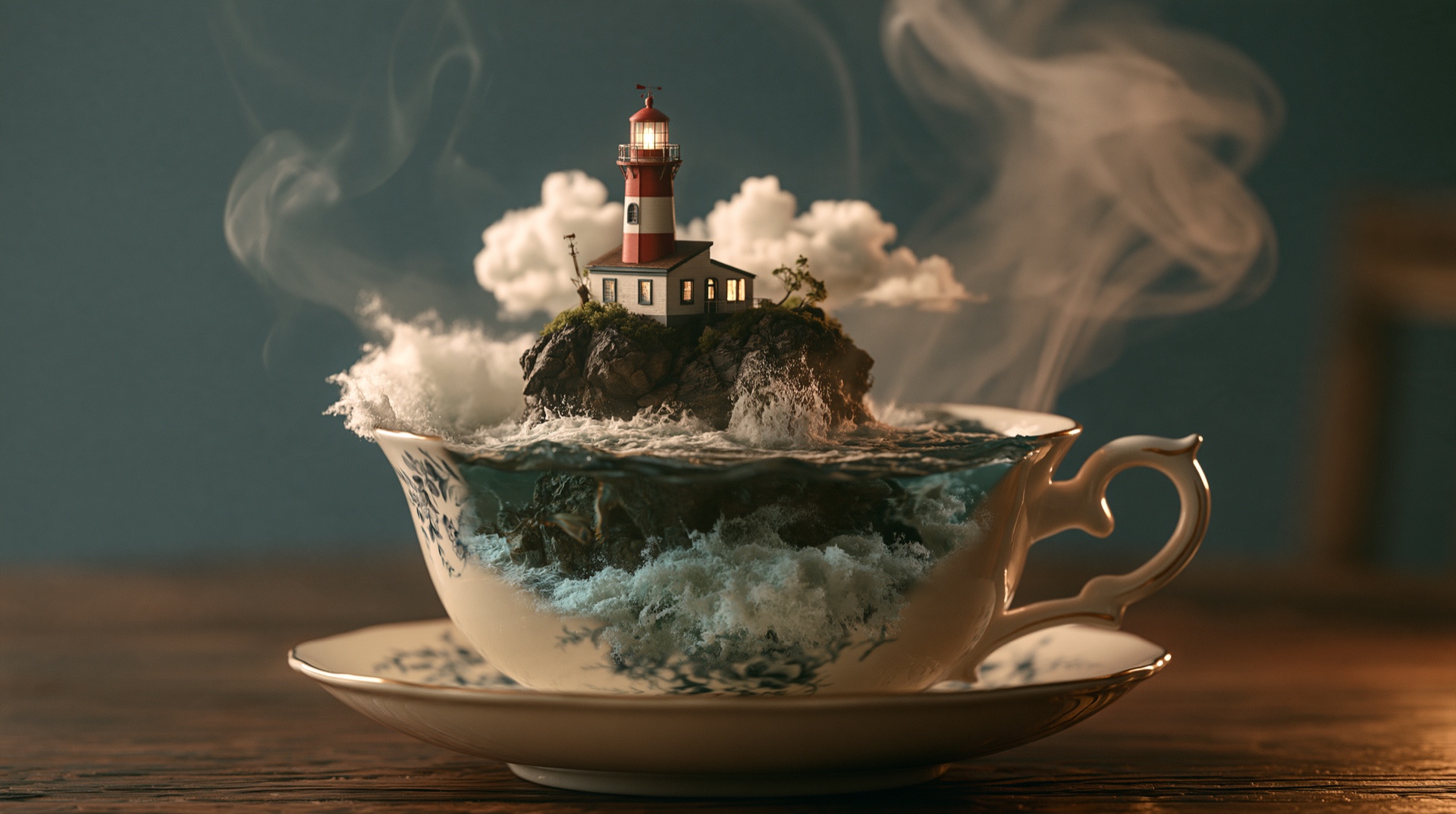
a lighthouse on a rocky island inside a teacup
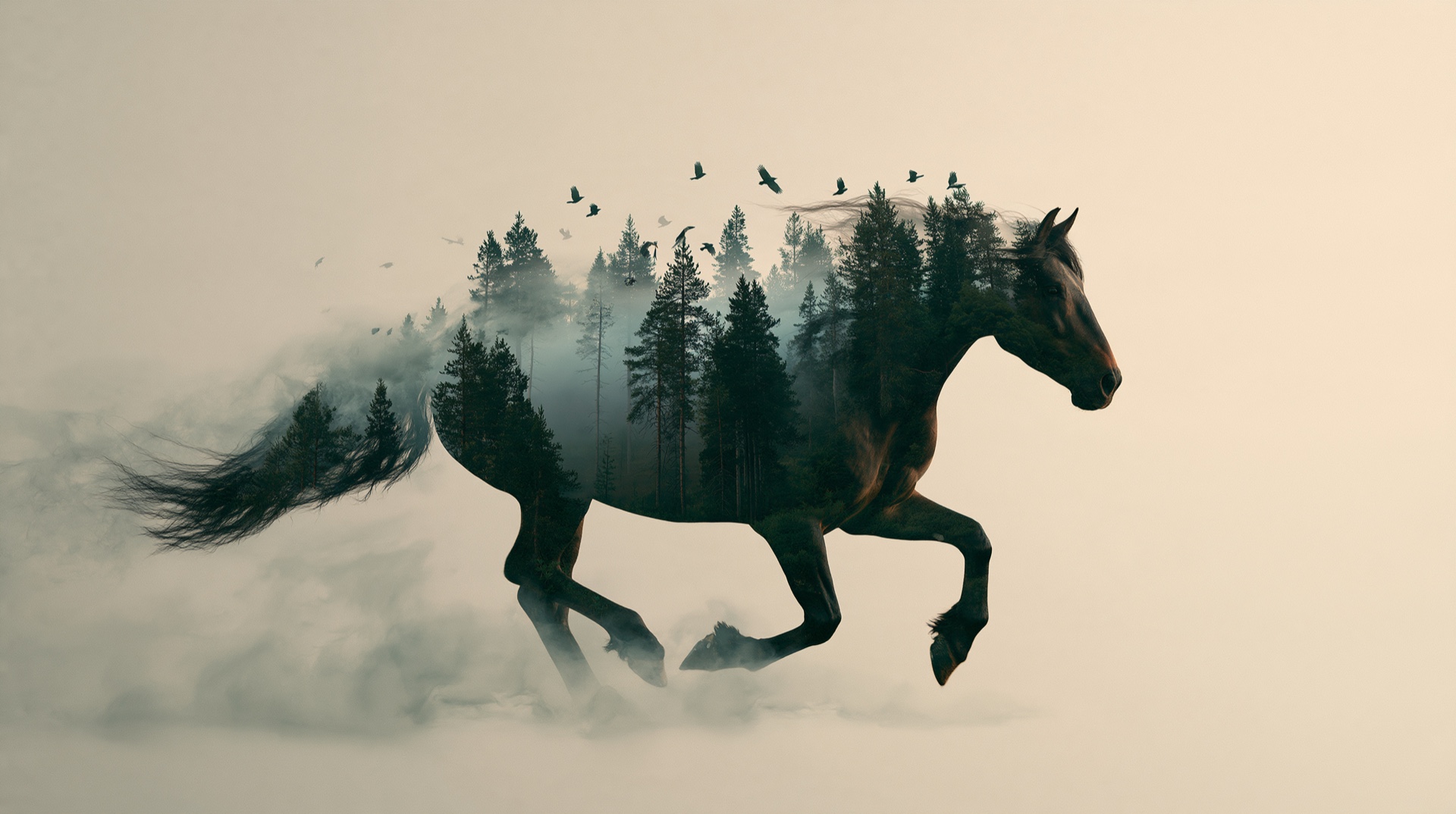
a double exposure of a galloping horse and a misty forest
Aspect ratio and resolution
Images are square by default
For widescreen video work add --ar 16:9, using whole numbers only
In the official V8.2 size table, 16:9 is 1456x816 for SD and 2912x1632 for HD or upscaled images
Parameters always go at the very end of the prompt
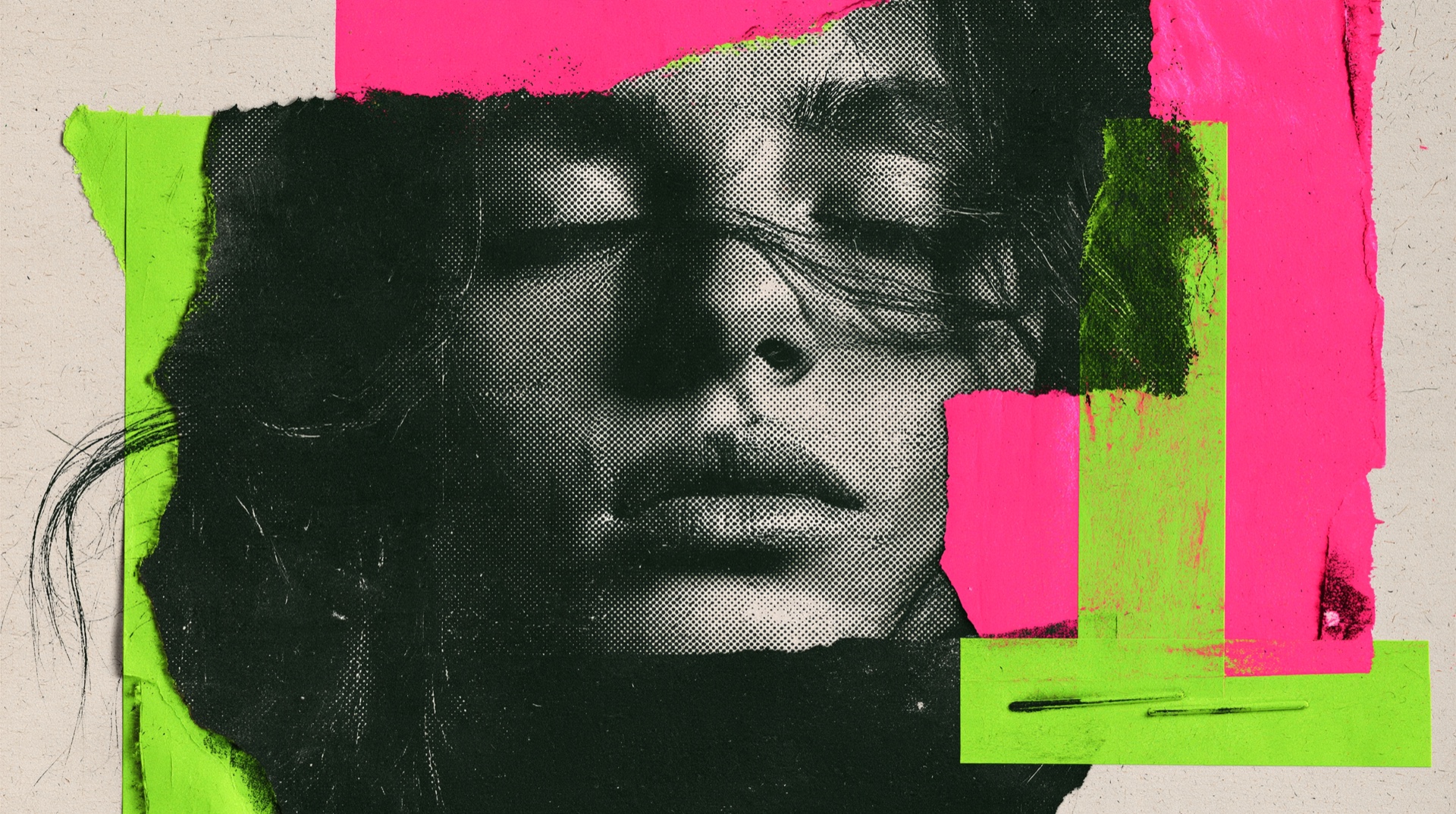
a torn-paper collage portrait with neon colors
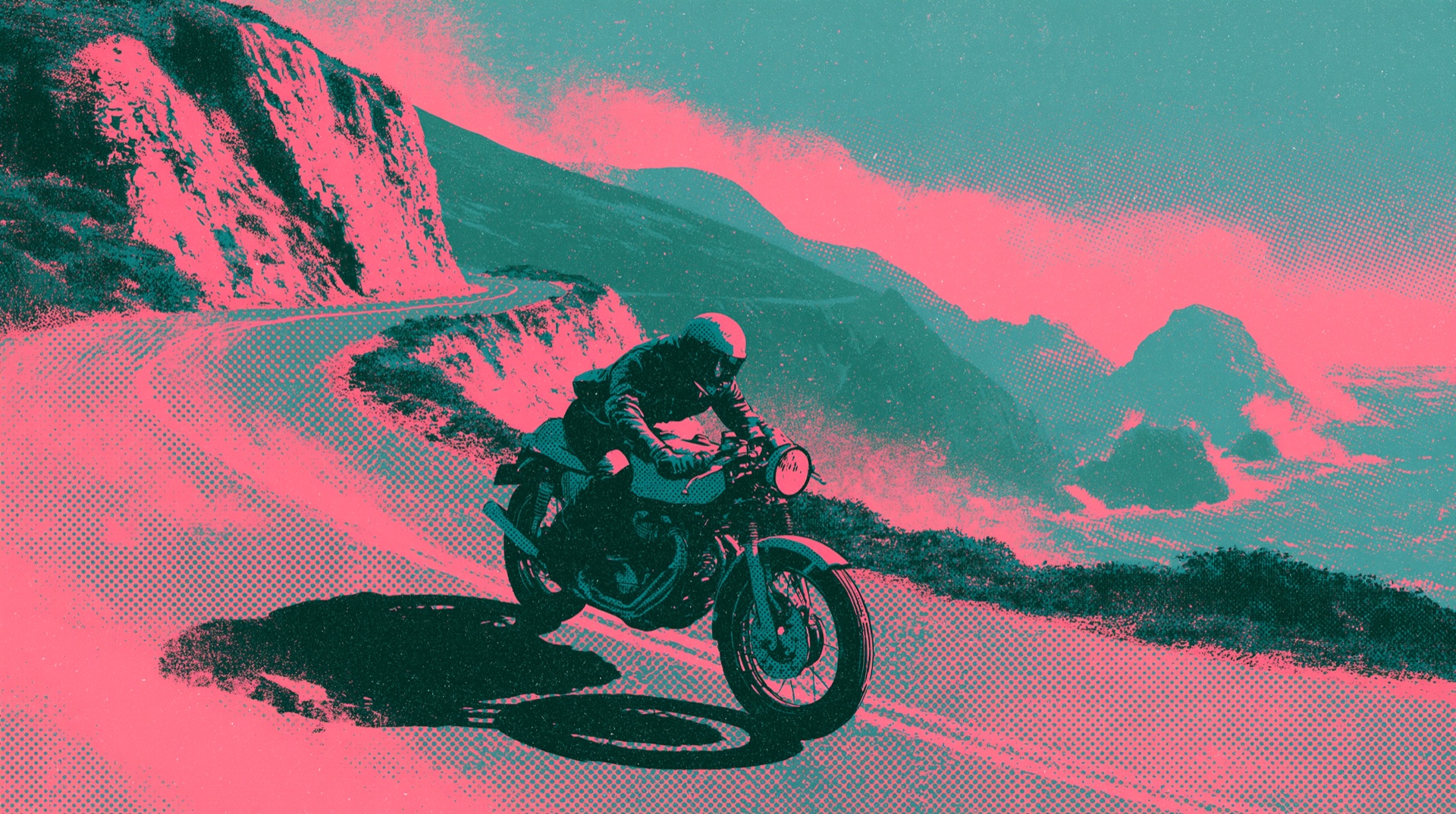
a risograph-style motorcycle on a coastal road
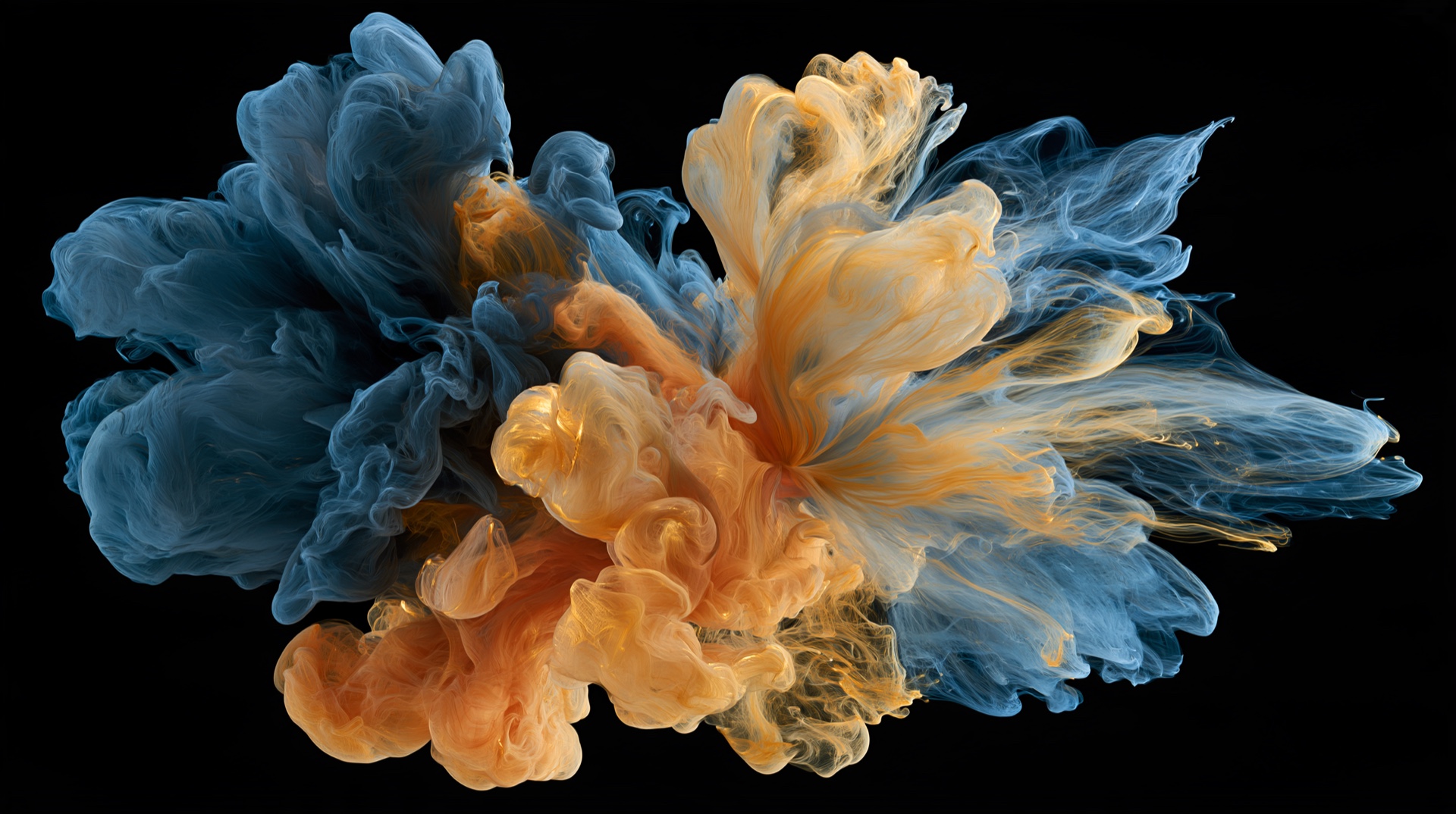
blue and orange ink clouds on black
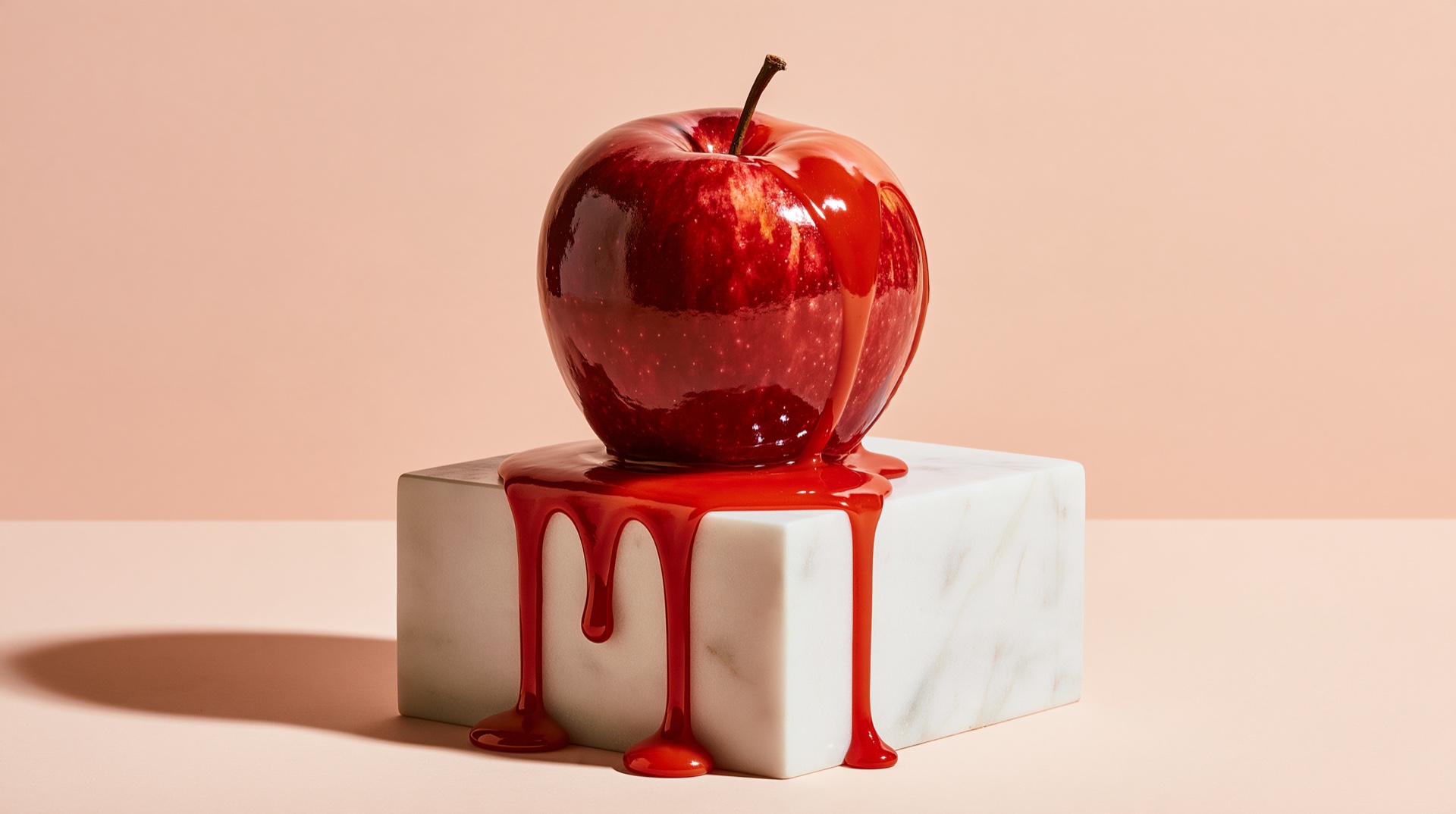
a glossy red apple melting over a marble block
Keep the same character with the Edit Model
In V8.2 the Edit Model replaces Omni Reference and Character Reference
You can attach up to four reference images and give plain instructions such as let's see this image from the front
Seeds are not meant for locking a character or style, while Style References carry over colors, medium, textures and lighting
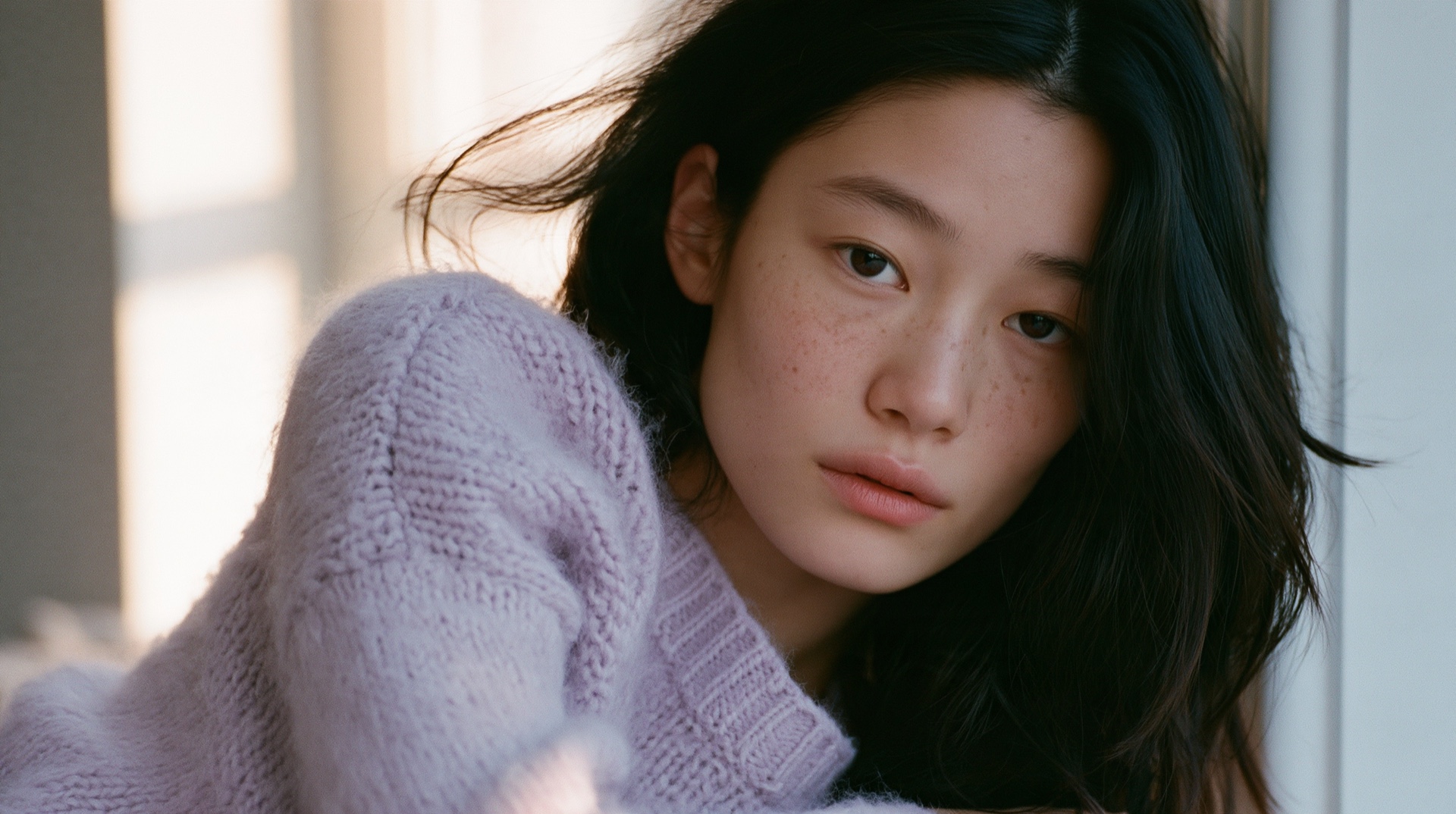
a film-look portrait in window light
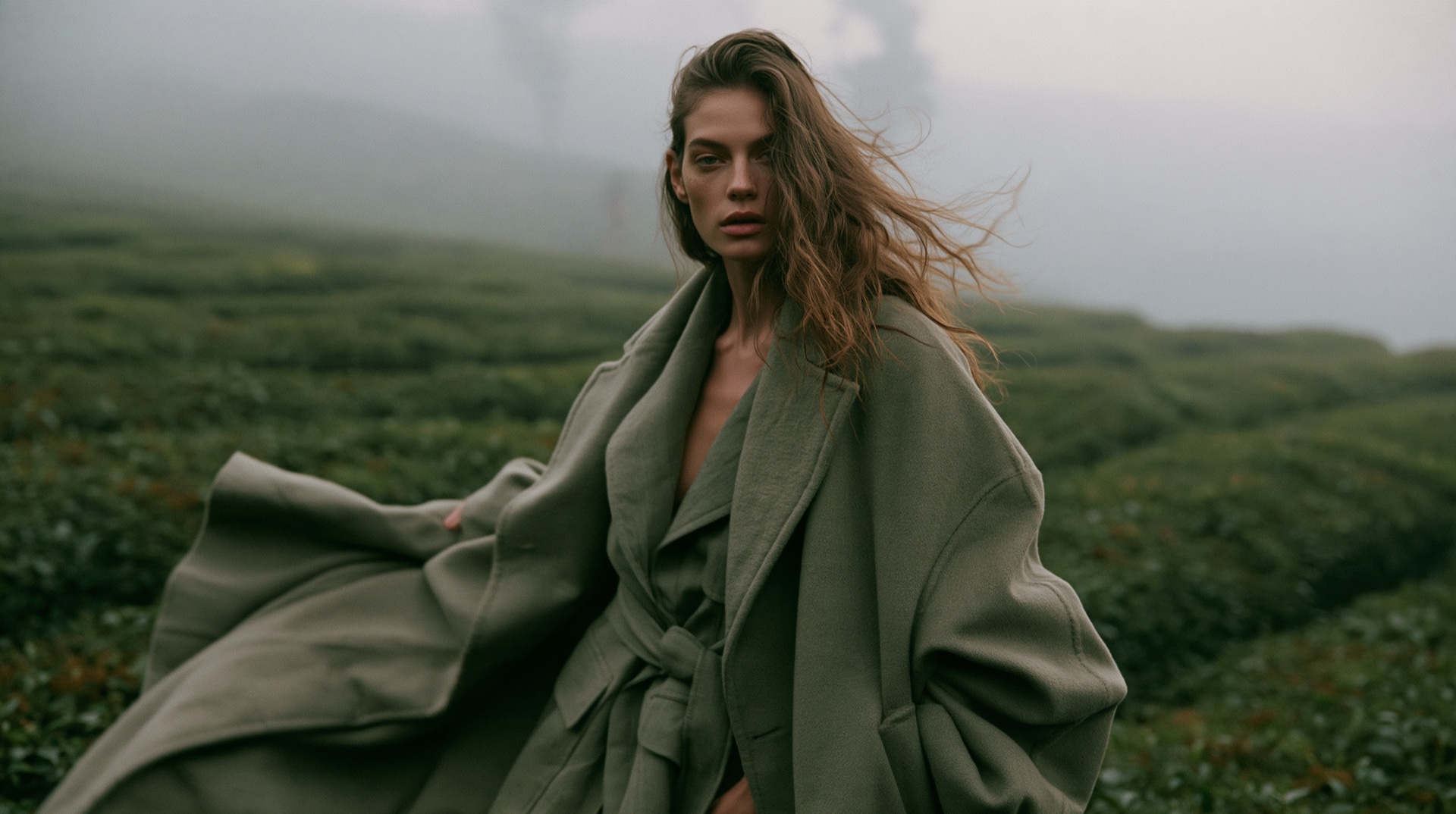
a fashion shot in a misty tea field
Turn an image into video
Midjourney uses one image as the first frame of a 5-second video, with an optional text prompt
Each video prompt makes four videos by default, and you can set one or two instead
Low Motion is the default for calm scenes, and High Motion gives bigger movement but can look glitchy
Videos can be extended four seconds at a time up to 21 seconds, and you can set an end frame or make a loop
Videos are 480p by default, and Standard, Pro and Mega plans can also make 720p
Plan your shots
Changing only the composition words lets you build several cuts of the same story
The three images below split one rainy-alley story into hand, face and eye close-ups
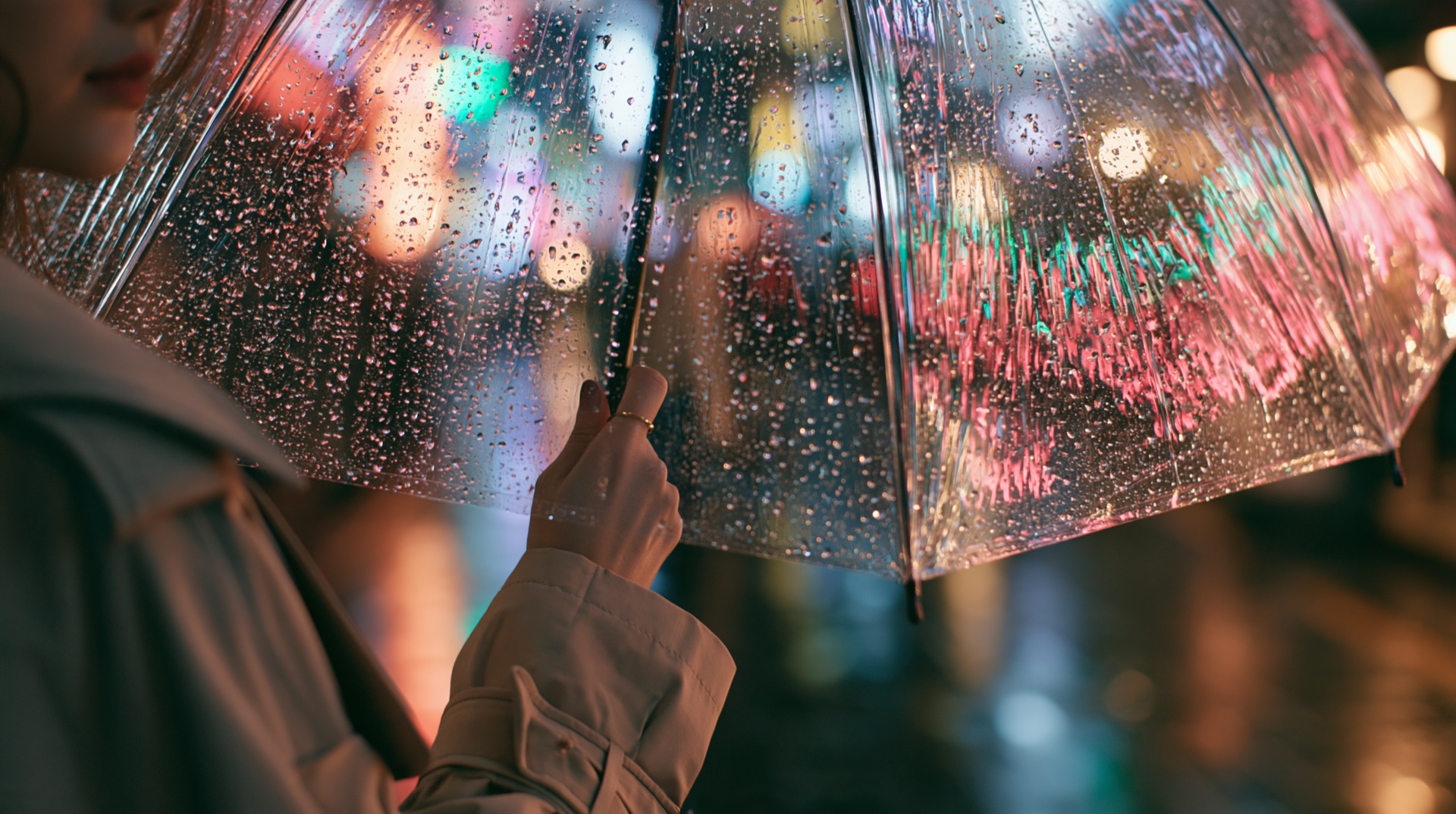
rainy alley story, hand close-up
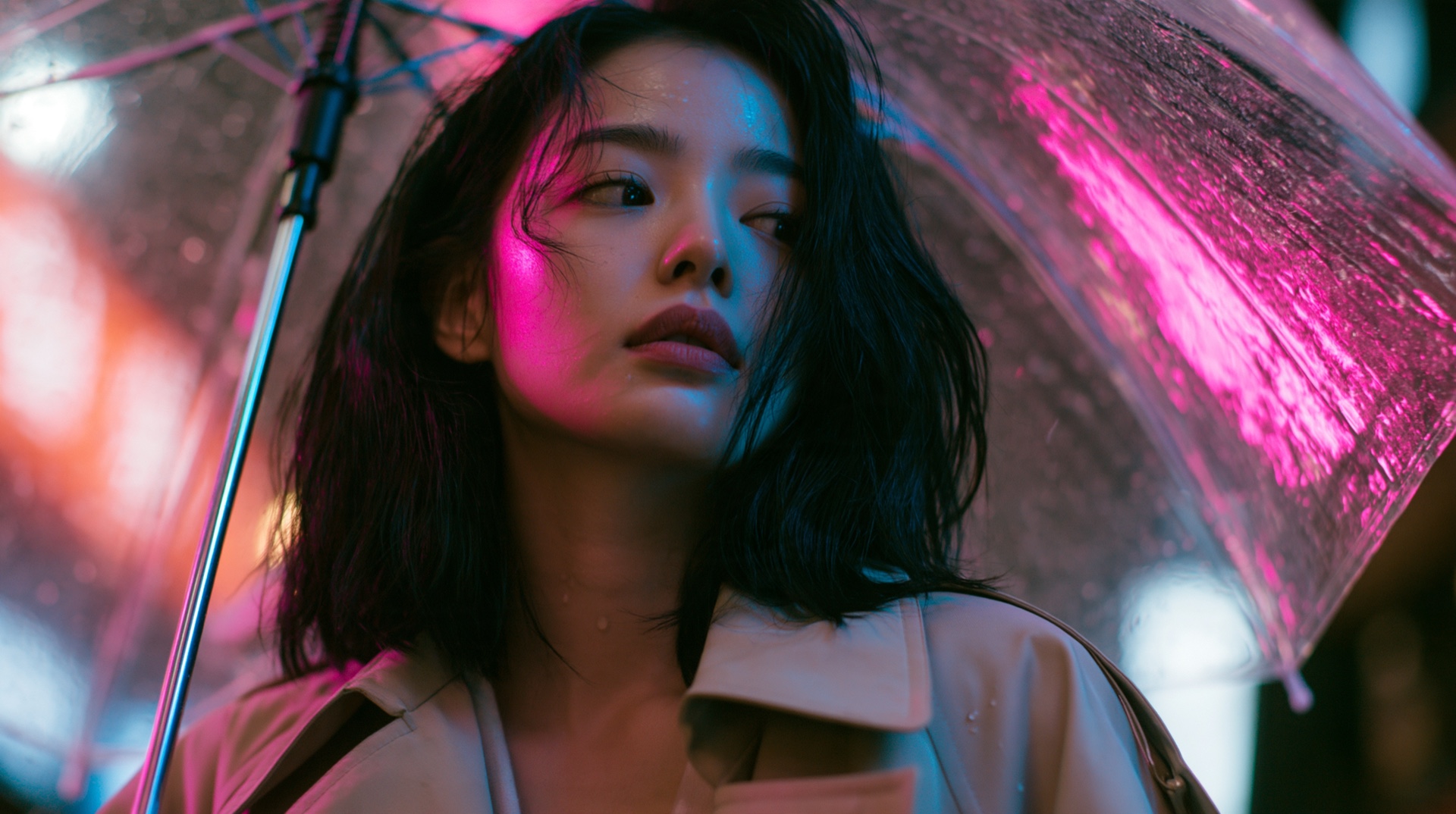
rainy alley story, face close-up
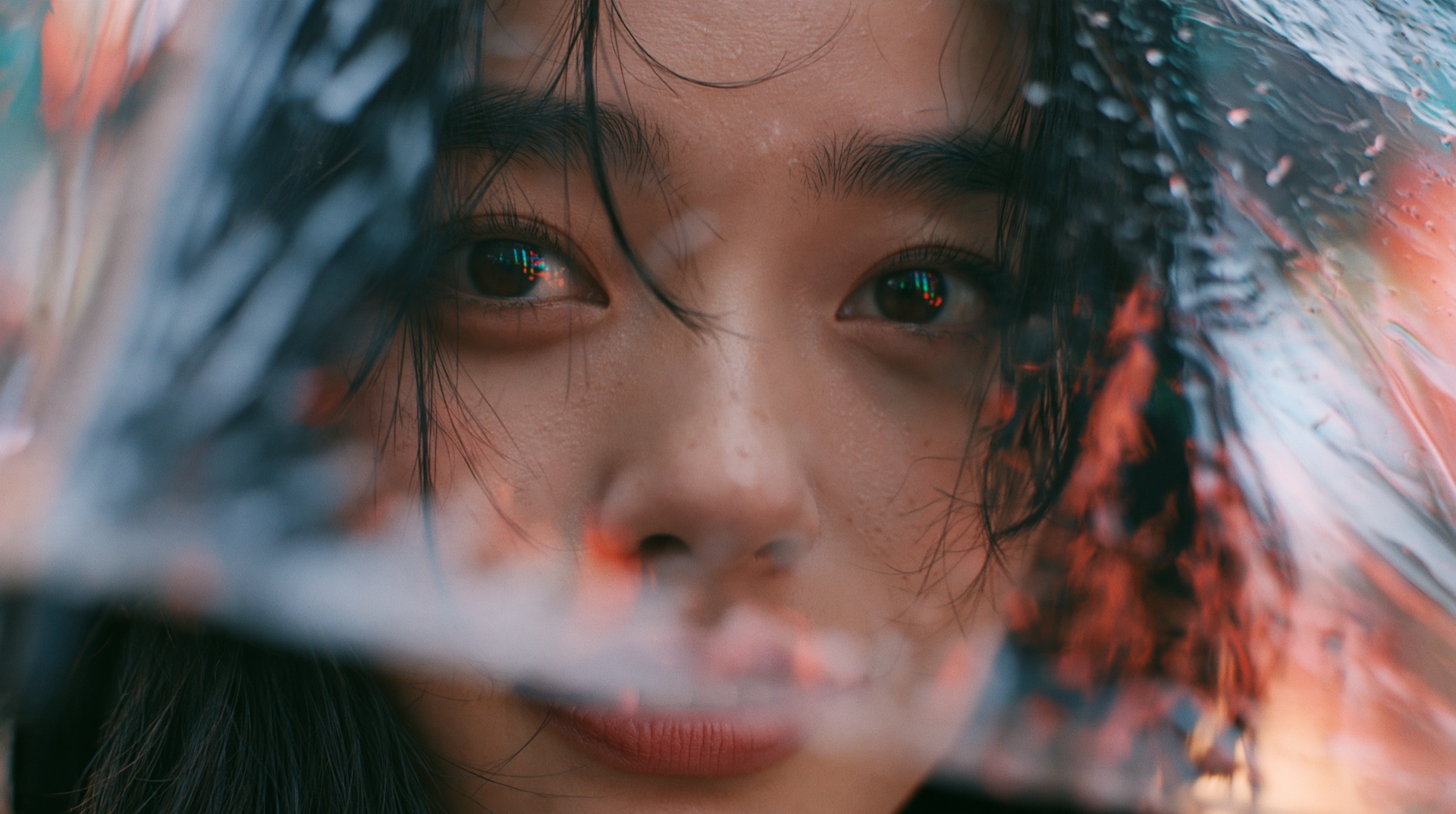
rainy alley story, extreme close-up of the eyes
These images can also be used as the first frame in other image-to-video AI tools


댓글
댓글 쓰기