  Block the shot before you shoot it Describe a scene in one sentence and get a 3D scene with people, props, paths and a camera. Take it out as a reference mp4, or as GLB, USD or USDZ and keep working in Blender, Houdini, Unreal Engine or Nuke. | Hello,
We are H International, the team behind HFLUX. We have just opened 3D STUDIO, and we thought it might be useful to you, so we wanted to put it in front of you.
It runs in the browser. Nothing to install, and no 3D background required. | 00 · WATCH FIRST 43 seconds, start to finish 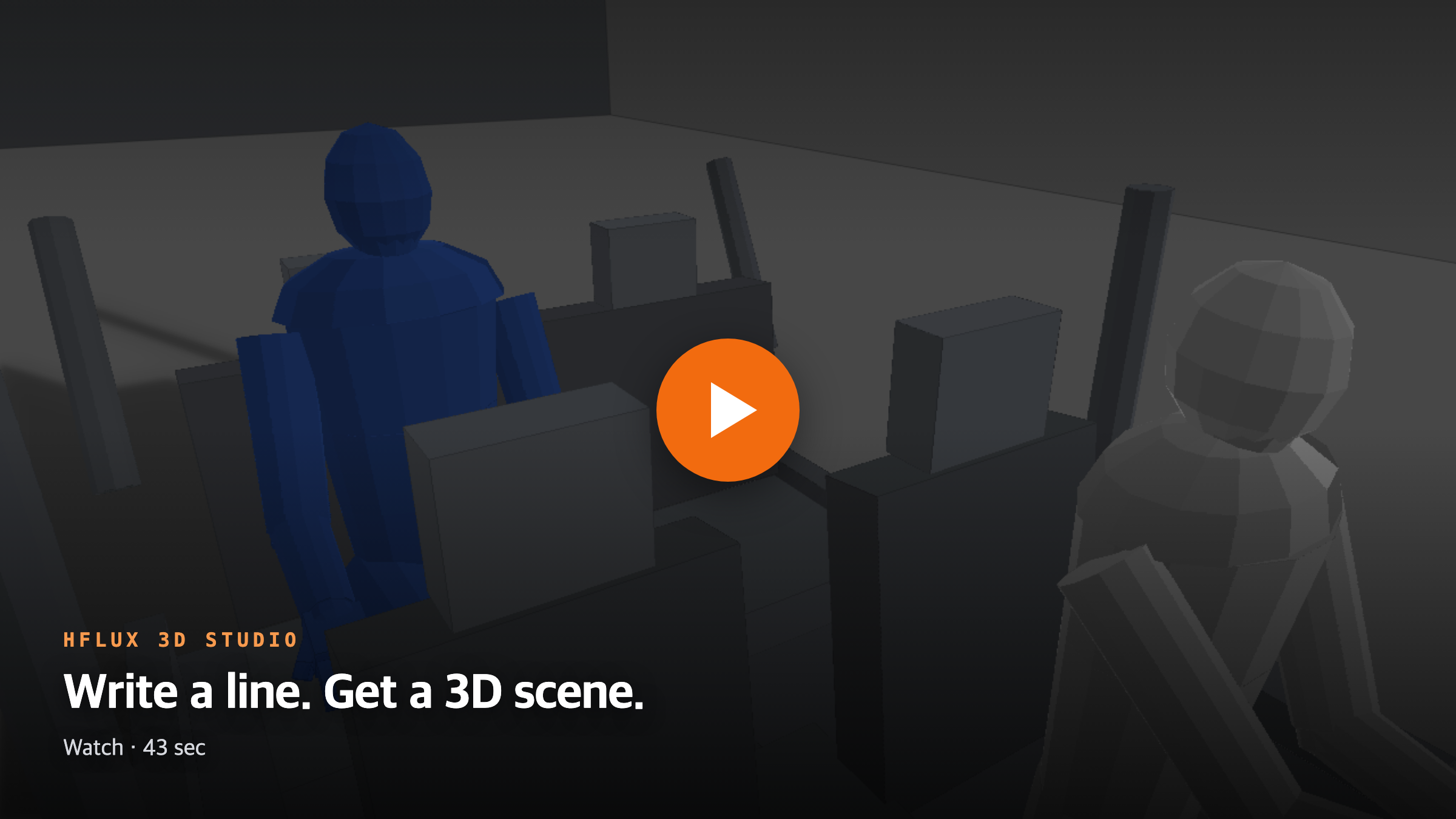 Tap the image to open it on YouTube. Ten more scenes are on hflux.co.kr, and you can watch those without signing in. | 01 · WHAT YOU DO Write it, then take it apart by hand 1 | Describe the scene.
Something like "a man leans against a wall in a back alley after rain, neon sign flickering." Pick a length in seconds, and you get people, props, paths and a camera already placed. | 2 | Move it yourself.
Drag things in the viewport, resize and rotate with the handles, and pose figures joint by joint. Undo is Cmd (Ctrl) + Z, and there is a four-up view when you need placement to be exact. | 3 | Set the camera.
Choose the lens, put the camera anywhere including inside a car, and draw the move. You can look through it while you work, so the framing you see is the framing you get. |
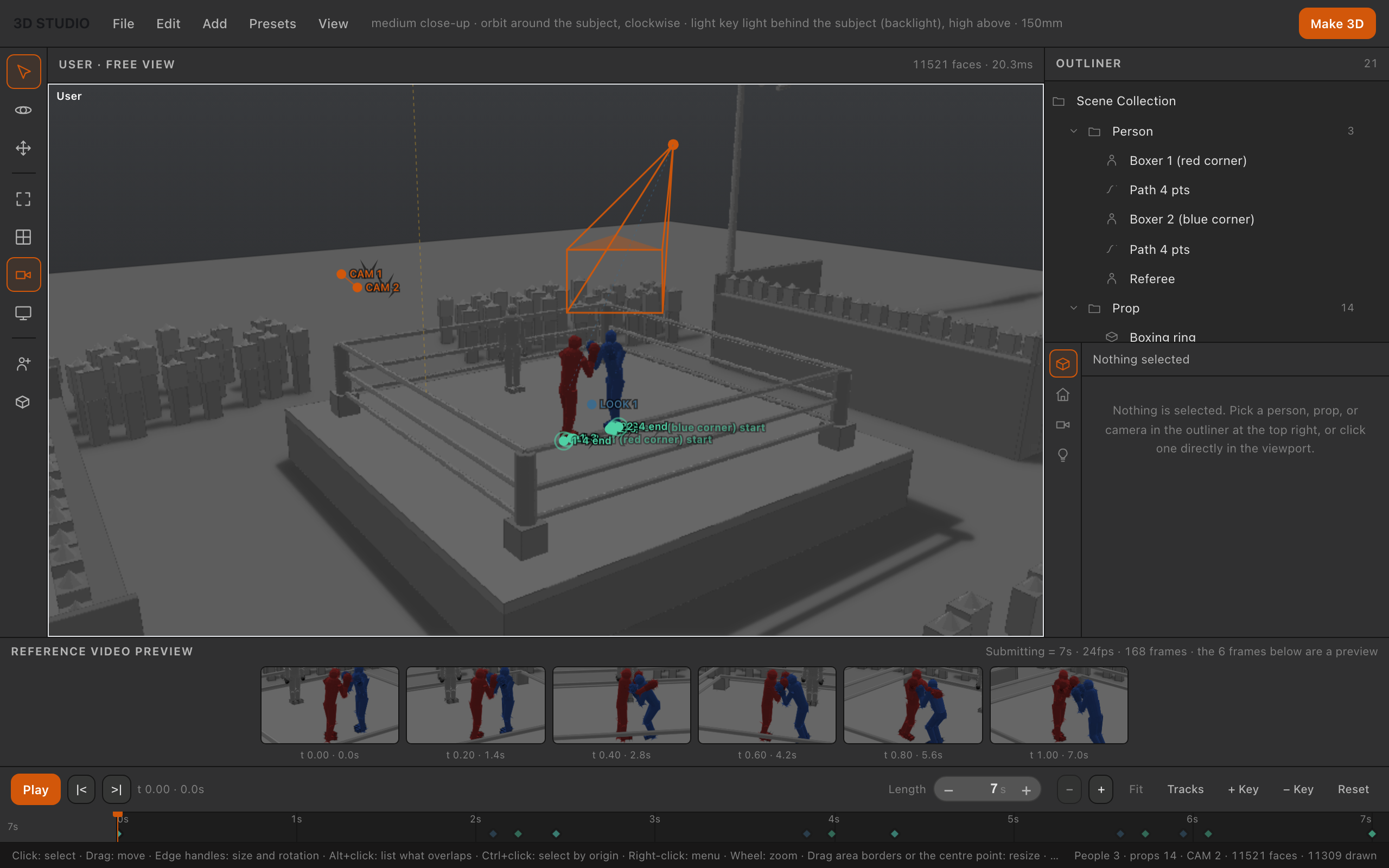 The scene on the left, properties on the right, timeline and reference preview below. Camera moves and character paths are drawn right in the view. | 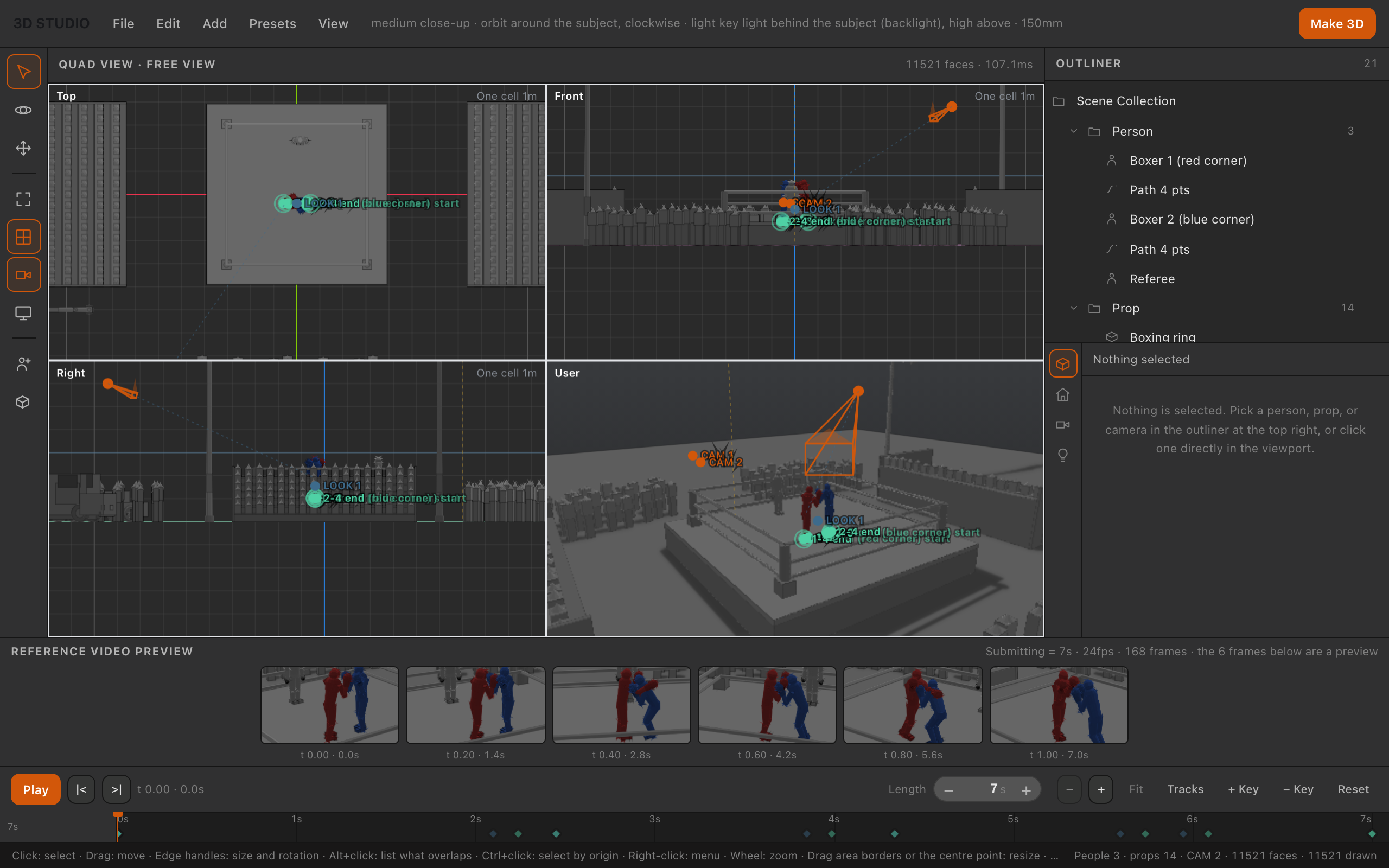 Four-up (top, front, side, user view) when placement has to be exact. One grid square is one metre, and the camera frustum is drawn where the camera actually sits. | 02 · WHAT YOU TAKE OUT A reference video, or the scene itself 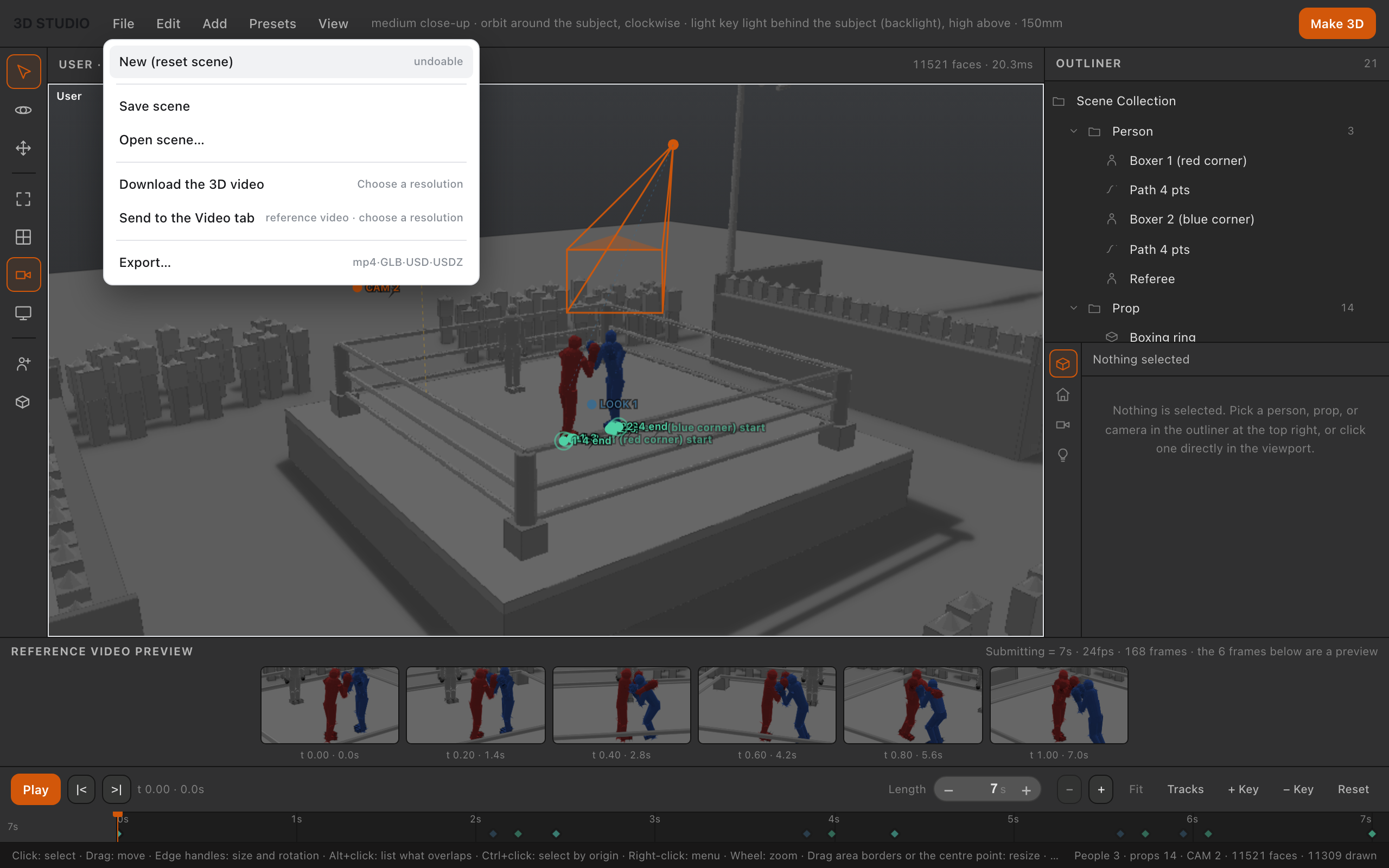 Reference mp4 · 480p, 720p or 1080p
Use it as a shot reference, a previz cut, or the driving input for an AI video model. | GLB · USD · USDZ
Opens in Blender, Houdini, Unreal Engine and Nuke, with the camera and the layout intact, so the blocking you did here is where your post starts. |
| 03 · WHAT IT COSTS Watching the ten public scenes needs no account at all.
Once you sign in, building and posing and setting the camera do not use credits — credits apply when you have a scene generated from text, and when you download the mp4 or the 3D files.
There is a 100 credit welcome bonus, added when a first top-up goes through. | If you try it and something gets in your way, tell us and we will look at it. We would also be glad to hear what you would want it to do next. Reply to this message, or write to help@h-international.co.kr. |
|
|


댓글
댓글 쓰기