AI Animation with Niji 7: From One Anime Frame to a Moving Shot
Niji 7 is the Midjourney model series focused on Eastern, anime and illustrative styles, and version 7 launched on January 9, 2026
Here is how to make anime frames with it and turn them into short videos, based on the official documentation
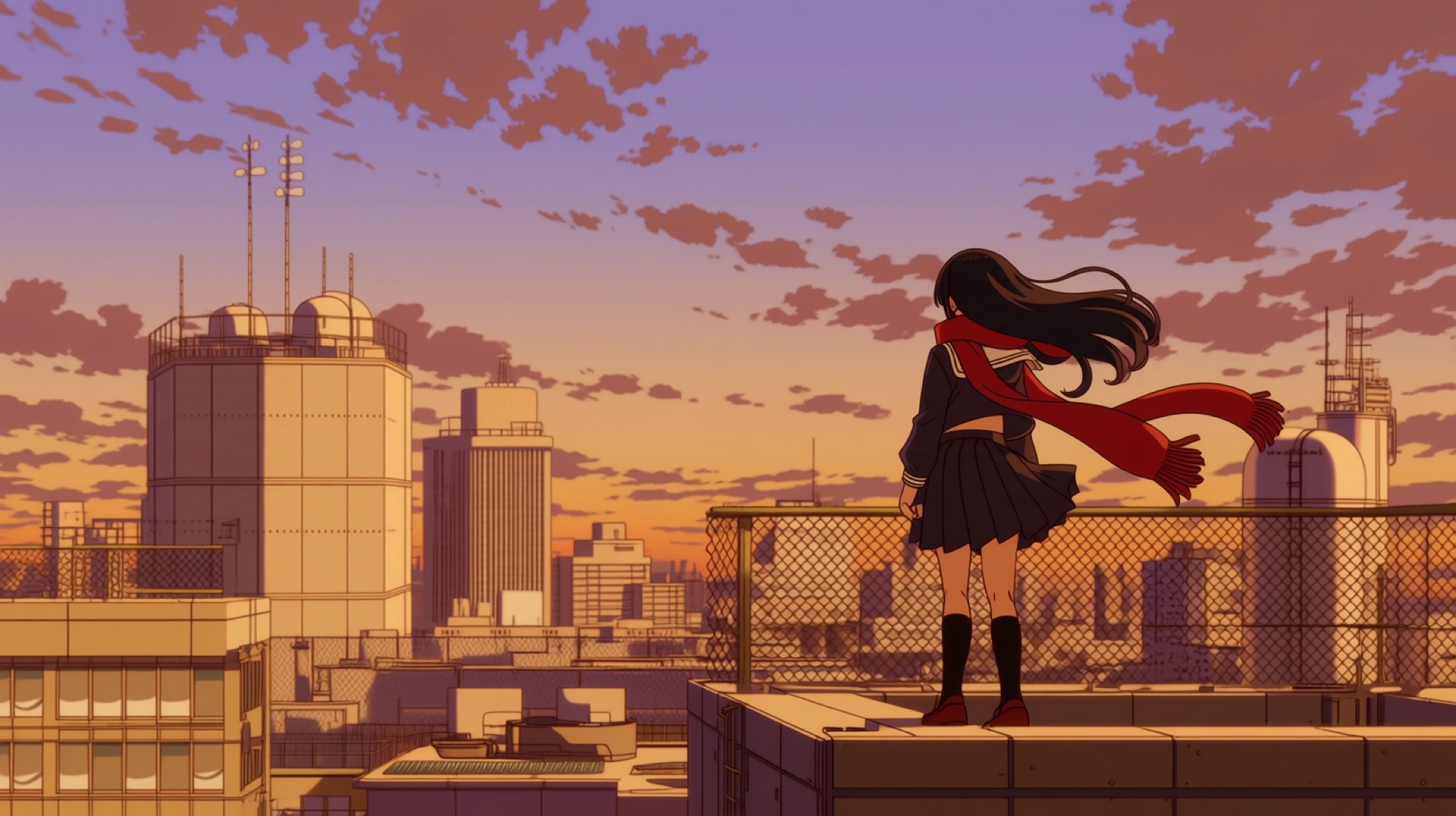
a schoolgirl with a red scarf on a rooftop at dusk
How to select Niji 7
The official Midjourney parameter list includes --niji for the anime and Eastern aesthetics model, so add --niji 7 at the end of your prompt
Each prompt returns four images
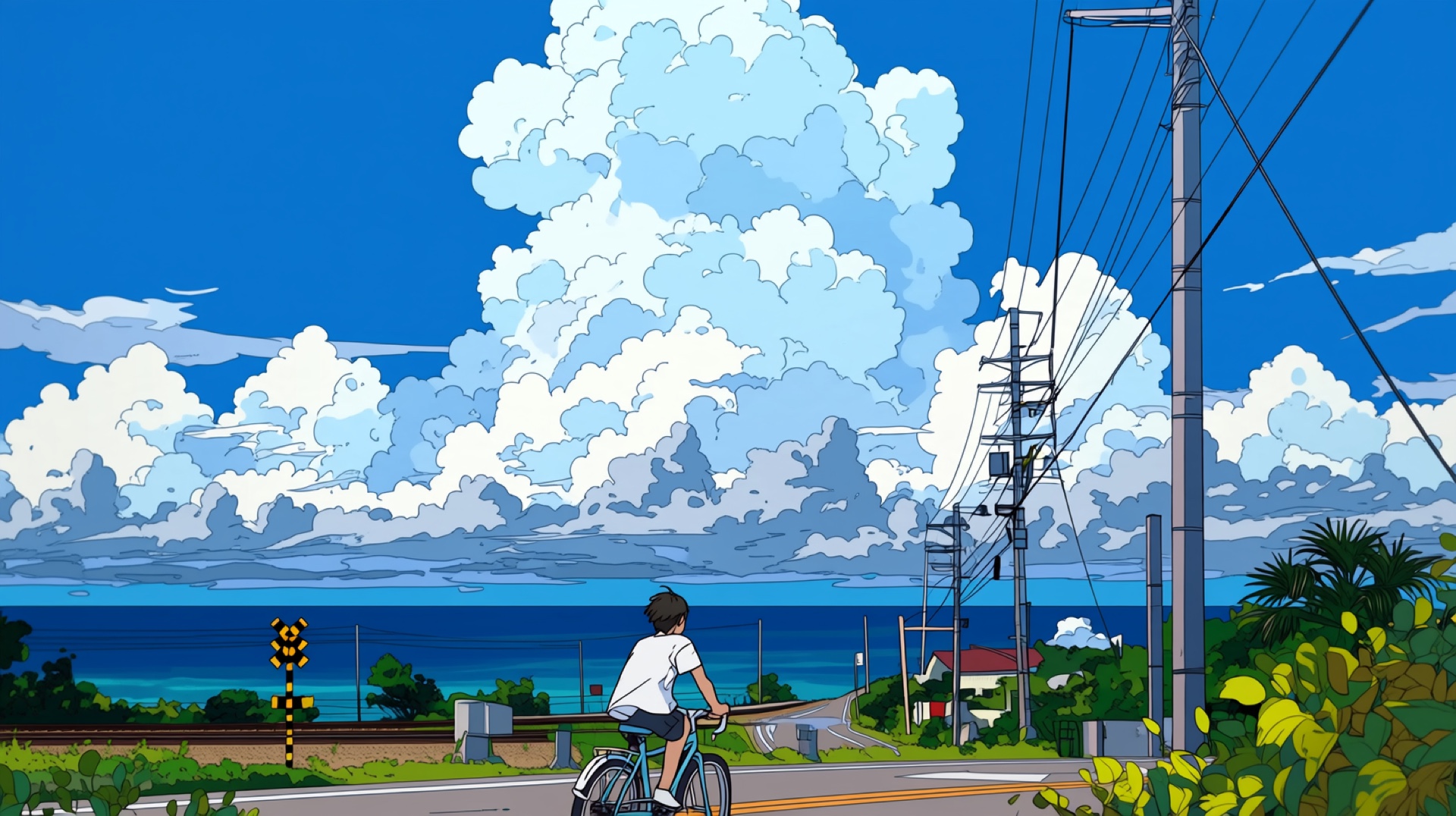
a boy cycling along a seaside road under summer clouds
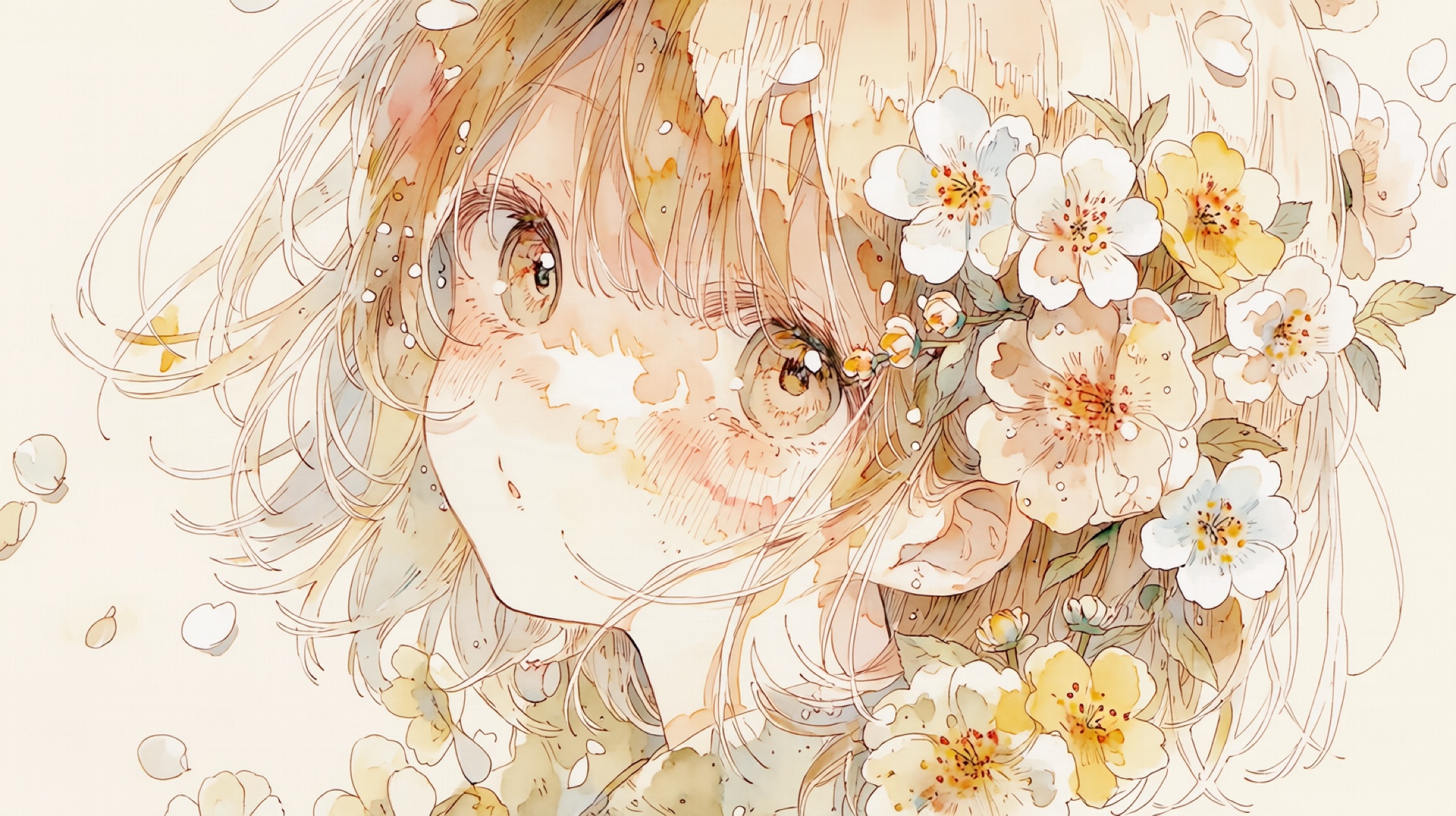
a watercolor-style girl surrounded by flowers
What changed
Coherency is much stronger, and fine details like eyes, reflections and small background elements are clearer
It follows prompts more closely, which helps with specific designs and repeatable characters
It is also more literal, so vague vibe-only prompts may not behave as before
The default look is cleaner and flatter to highlight the line work
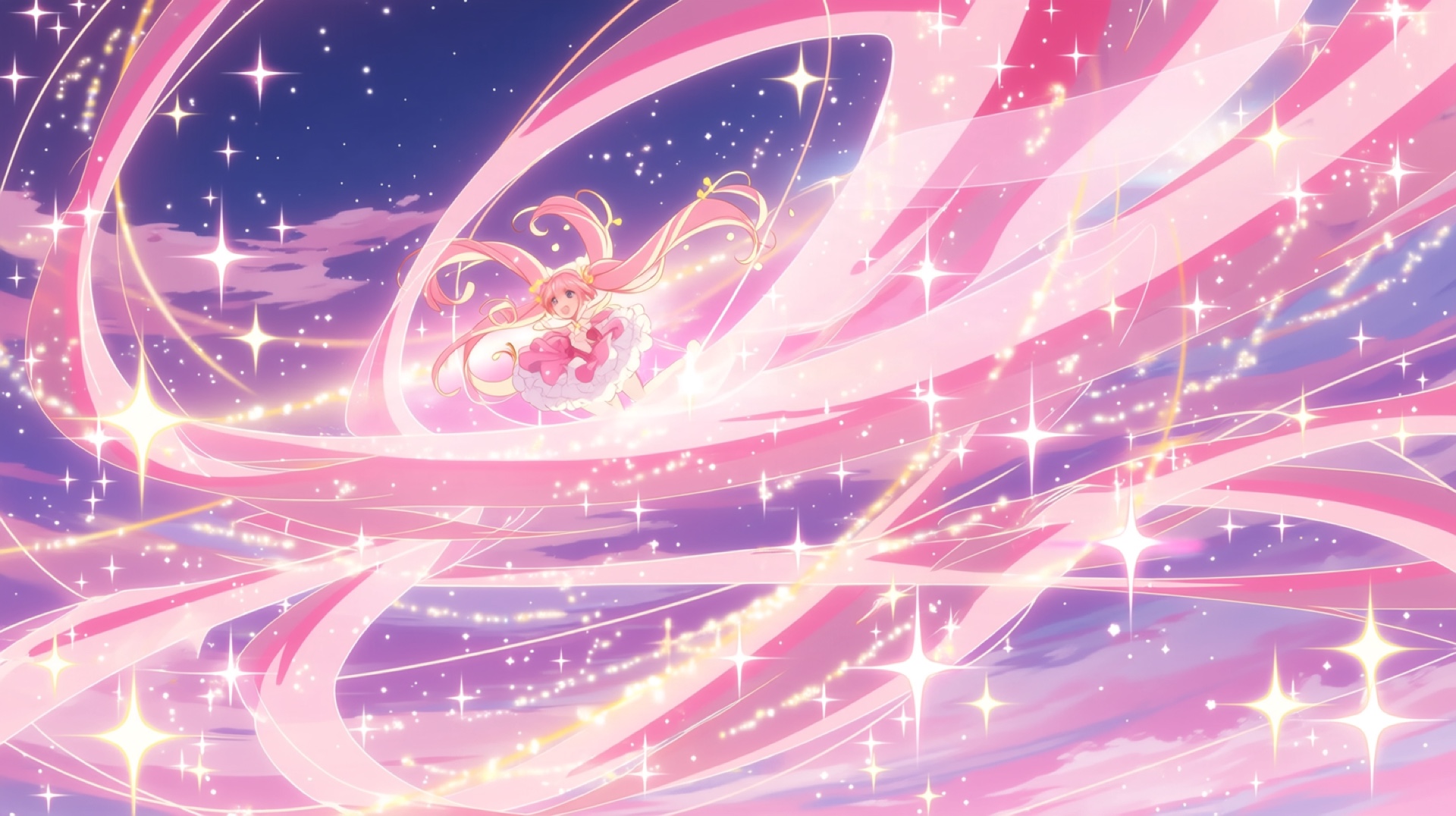
a magical girl flying through pink ribbons and sparkles

a swordsman silhouette in falling snow
Prompting tips from the official guide
More exciting prompts lead to more exciting pictures, so describe hair, eyes, outfit, pose and place in detail
There is no background by default, so add a word like indoors or outdoors
Mentioning shoes turns the picture full-body
For less detail try minimal, simple or flat shading, and for less flatness try golden hour, painted or depth of field
Use anime screenshot for line work, raise chaos for more variety, and switch to raw for a less anime look
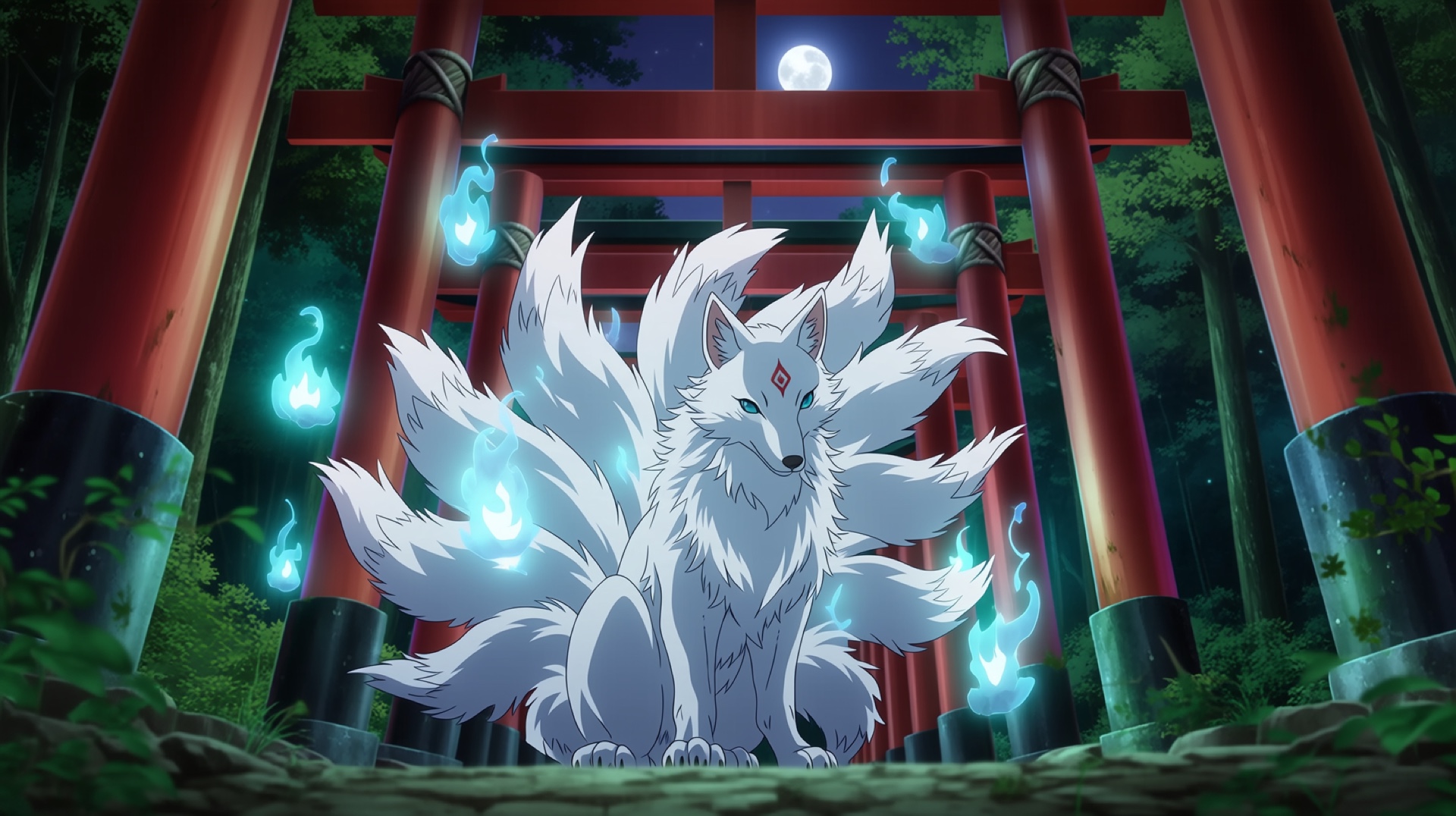
a white fox spirit under red gates with blue flames

an angel spreading wings in a stained-glass cathedral

a low-angle volleyball spike
Keeping characters consistent
Character reference (cref) is not supported in Niji 7
The official blog highlights style reference (sref), which matches the art style rather than the character
Image weight (--iw) defaults to 1 with a range of 0 to 2 in Niji 7
Because Niji 7 follows prompts closely, reusing the same character description in every scene is one approach to try
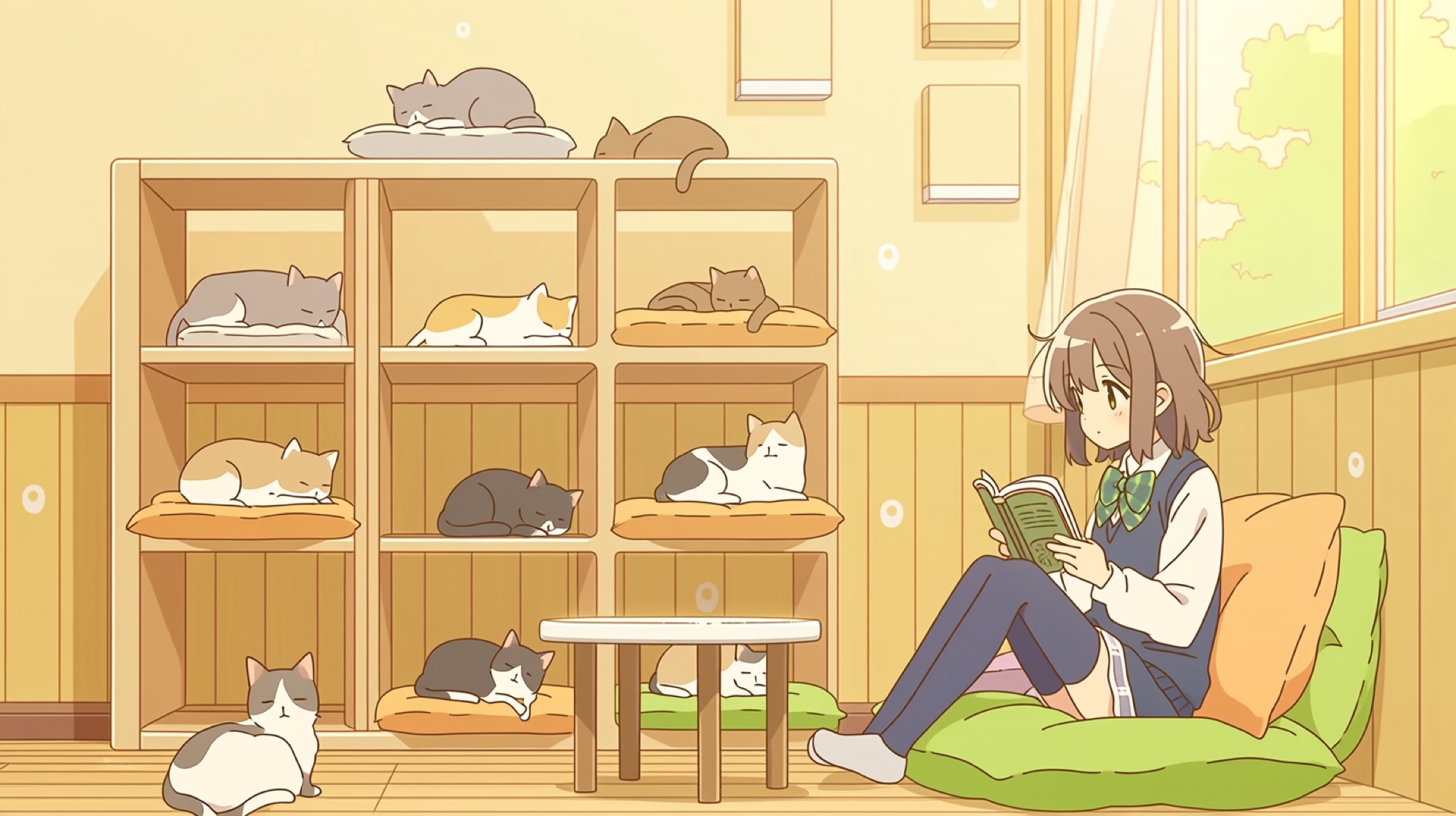
a student reading in a cat cafe
Animating your frames
Midjourney can animate both its own creations and your images, using one image as the first frame of a 5-second video
Choose Low Motion for calm scenes or High Motion for bigger movement, which may look glitchy
Extend up to 21 seconds in four-second steps, set an end frame or make a loop
Video size follows the starting image, so making frames at --ar 16:9 keeps widescreen output simple
The same frames can also start a clip in other image-to-video AI tools
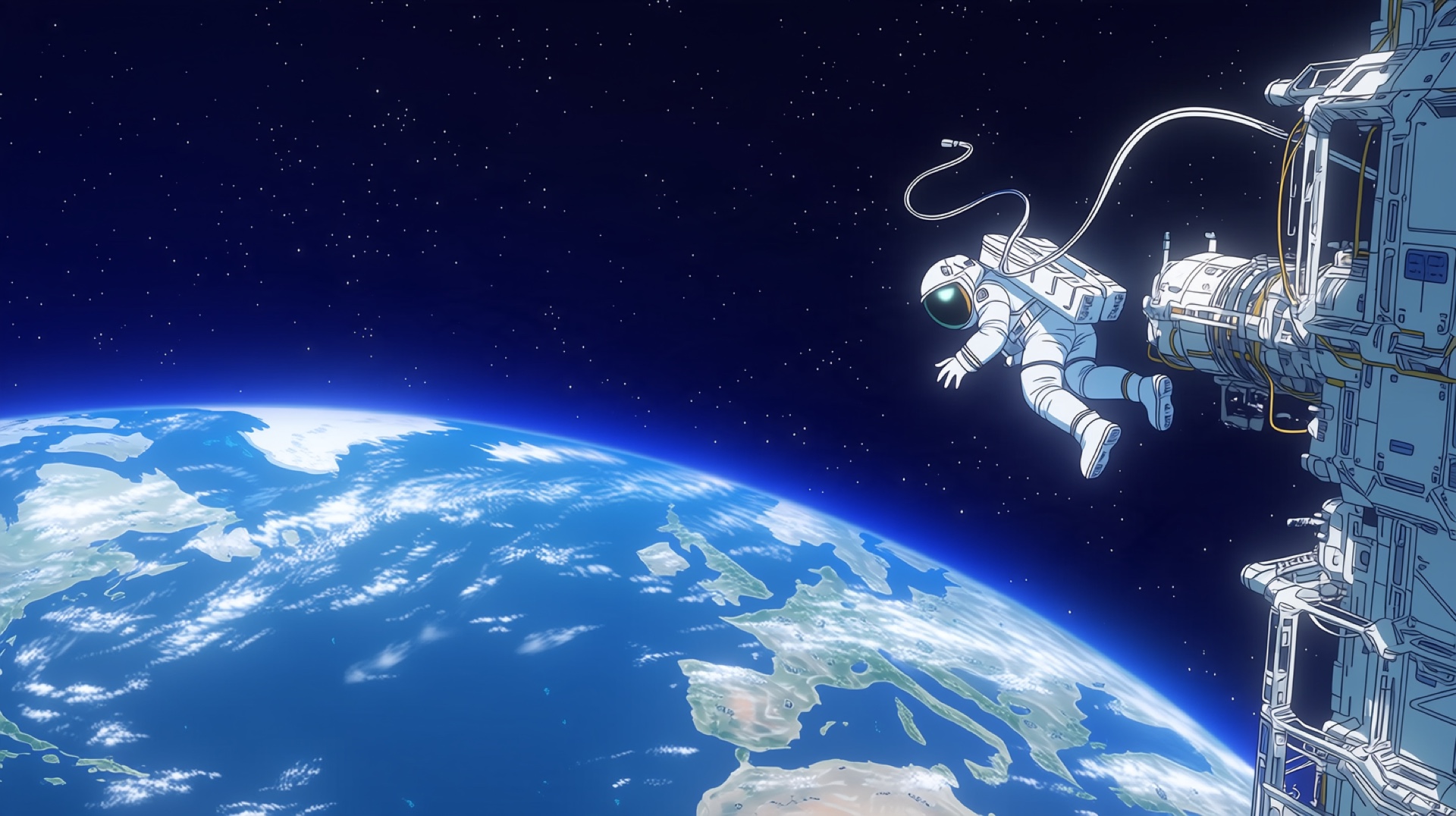
an astronaut on a spacewalk above Earth
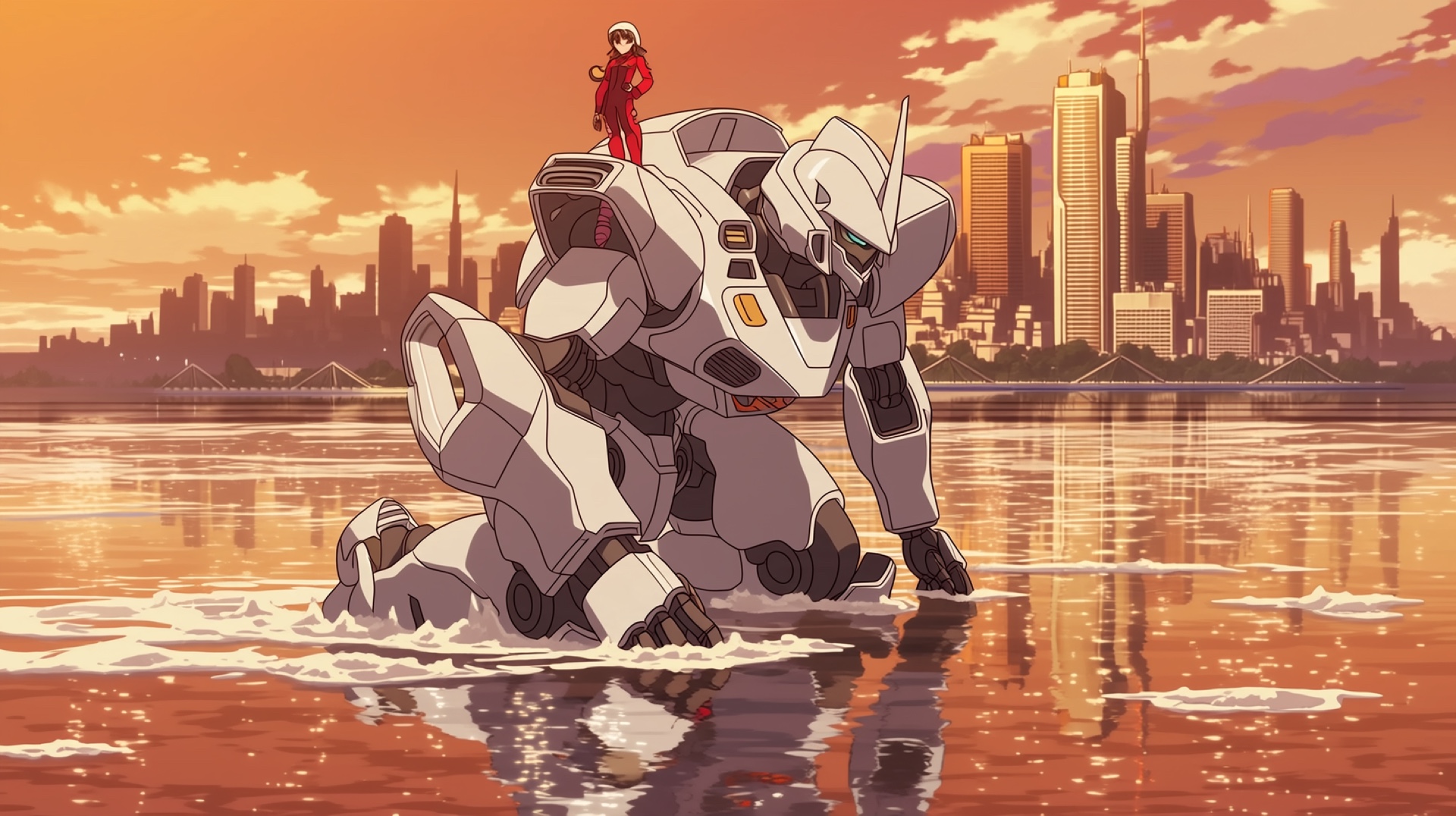
a giant robot and its pilot in a sunset harbor
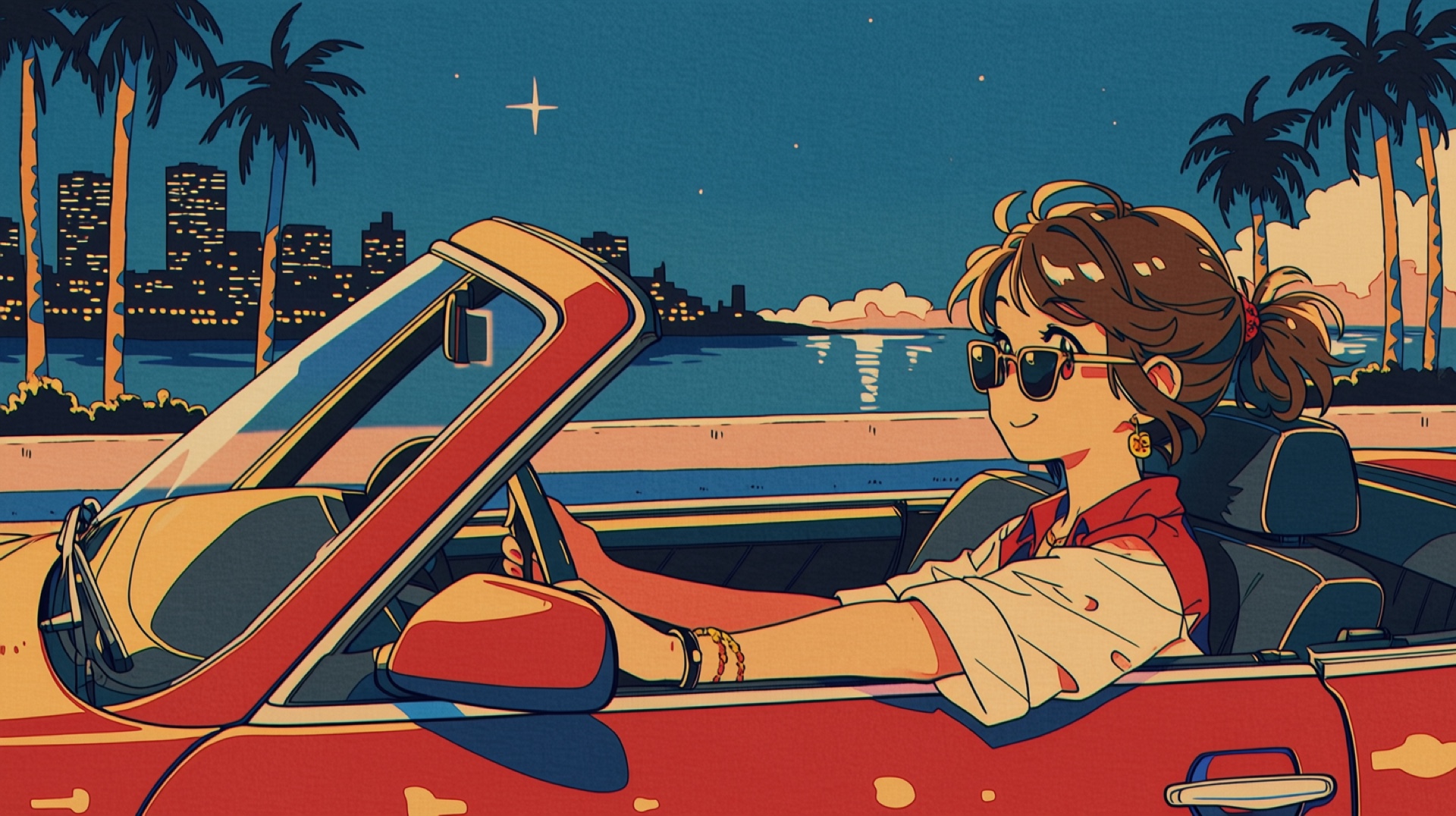
a retro-colored night drive in a red convertible
If a prompt is rejected
The official support notes list clothing words after --no, terms implying gore or sexual abuse, and terms that may infringe well-known copyrights
A rejected prompt does not mean your account is banned


댓글
댓글 쓰기