AI Animation Production: Making the Japanese Anime Short After School, Connecting the Stars

HFLUX STUDIO produced a 48-second Japanese anime short, After School, Connecting the Stars, using AI image generation and AI video production
The moving-image work was done in the HFLUX Video tab, where a scene picture is placed in [First frame] inside the [Image → Video (first·last frame · optional)] field so the clip starts from that picture
On this piece, AI animation production followed that order: build the scene picture first, then turn the picture into video
The short at a glance
The piece is a school romance fantasy with a 2000s TV anime visual style, in 16:9 horizontal, with Japanese dialogue
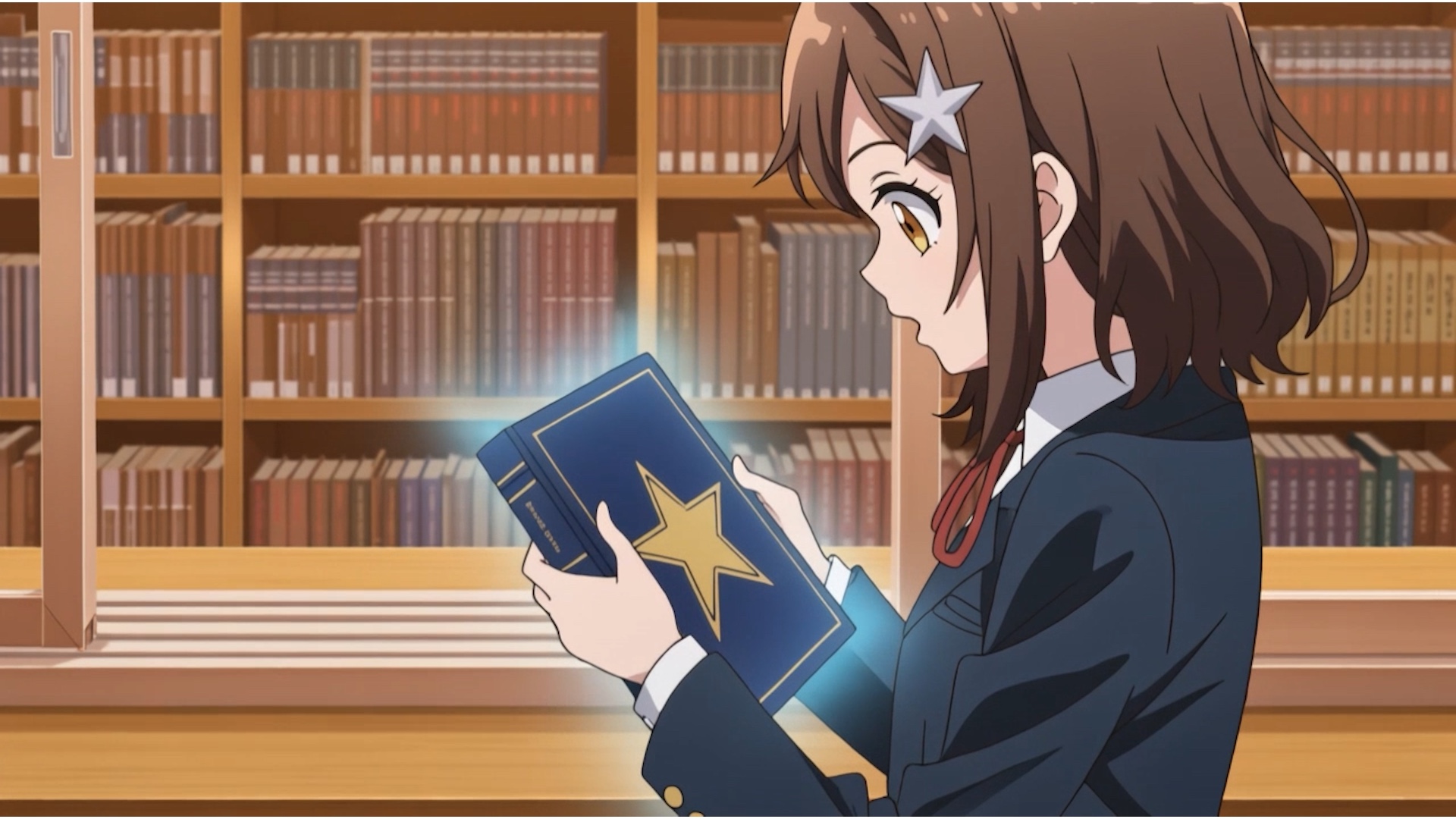
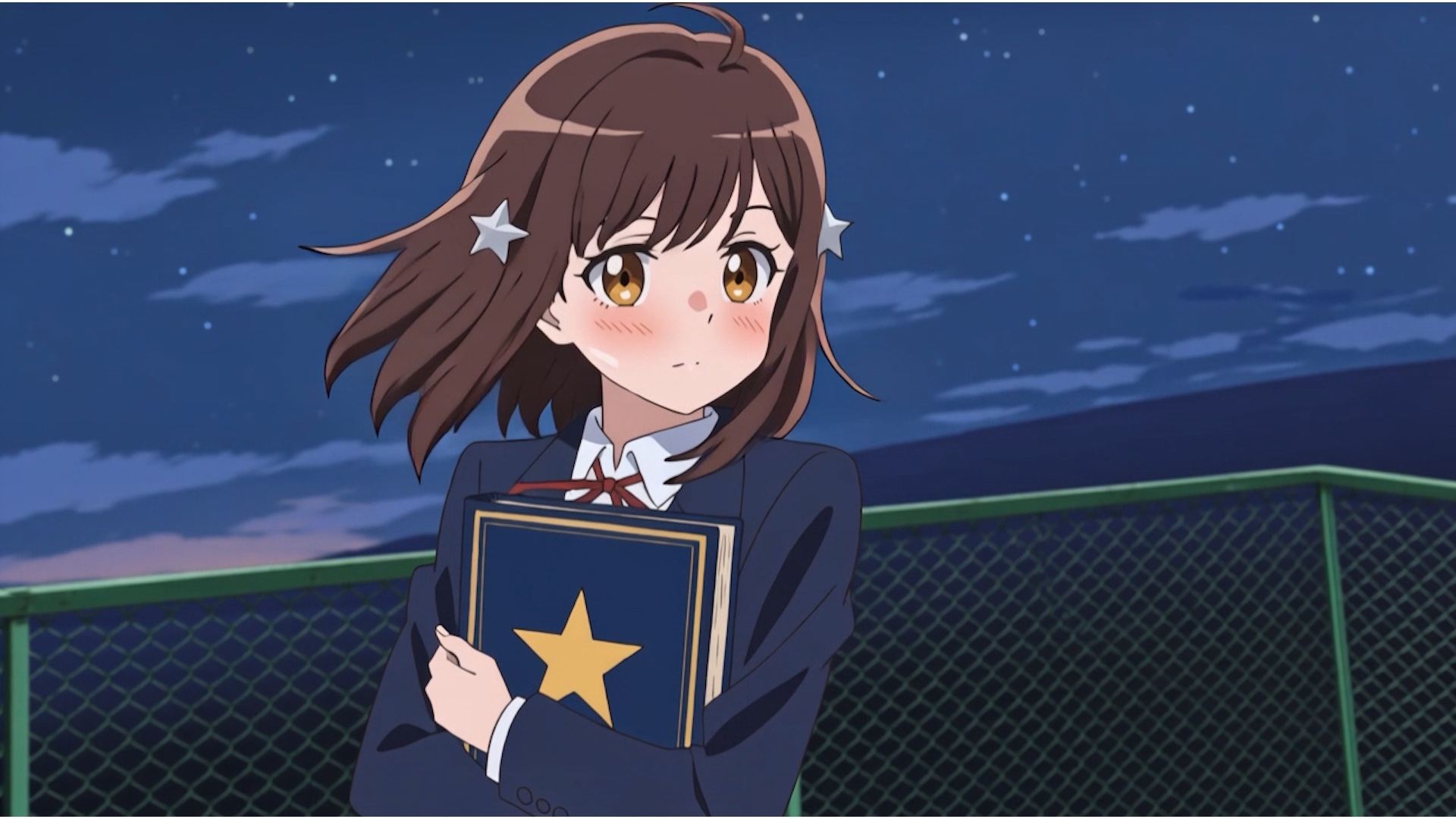
Amano Hiyori is a second-year student with a brown bob and silver star hairpins on both sides, wearing a navy blazer uniform with a red ribbon
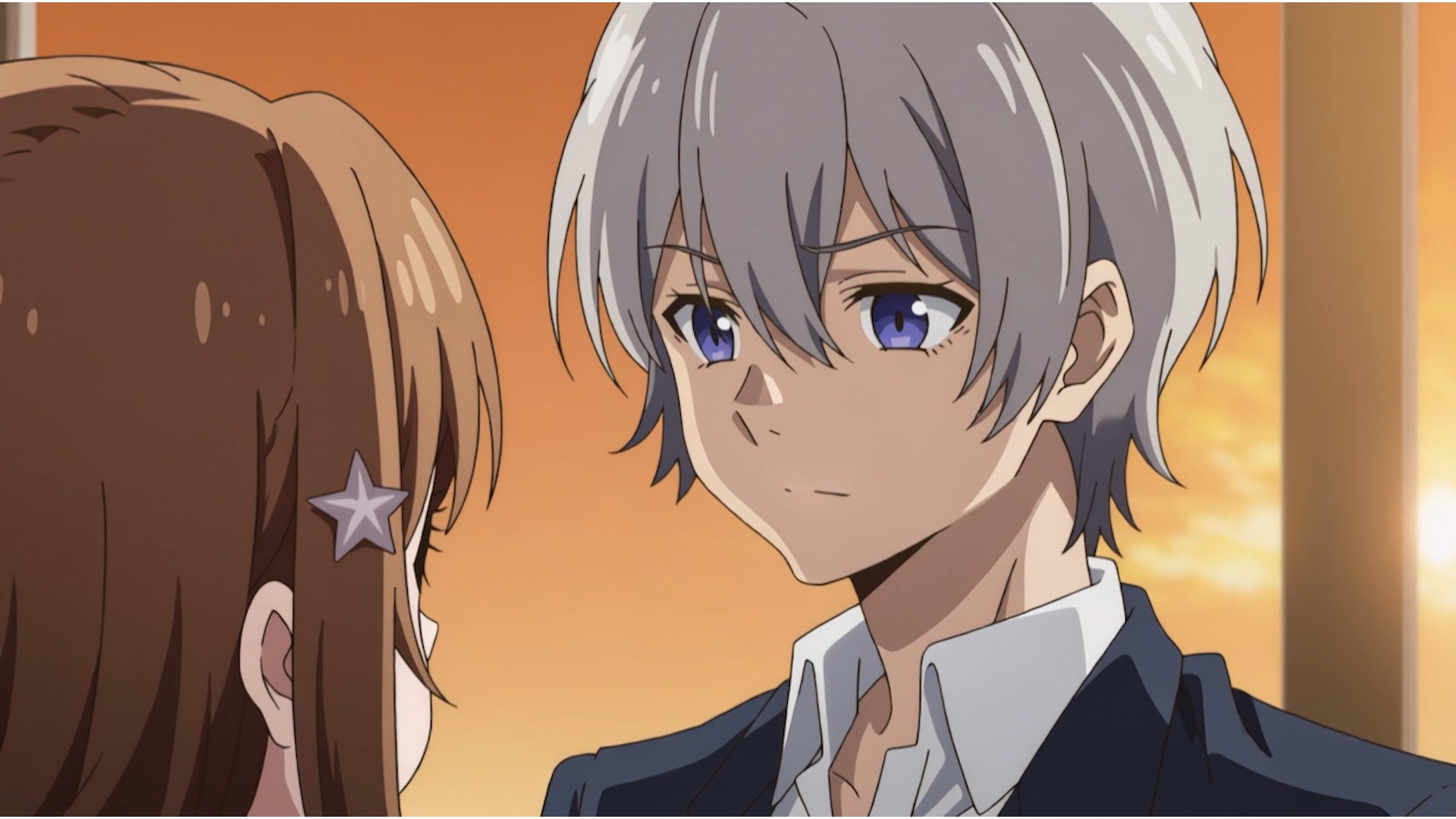
Tsukishiro Ren is a silver-haired transfer student in the same navy blazer uniform
They meet in the school library at dusk, where Hiyori picks up a glowing navy book marked with a gold star, and Ren tells her she must not touch it
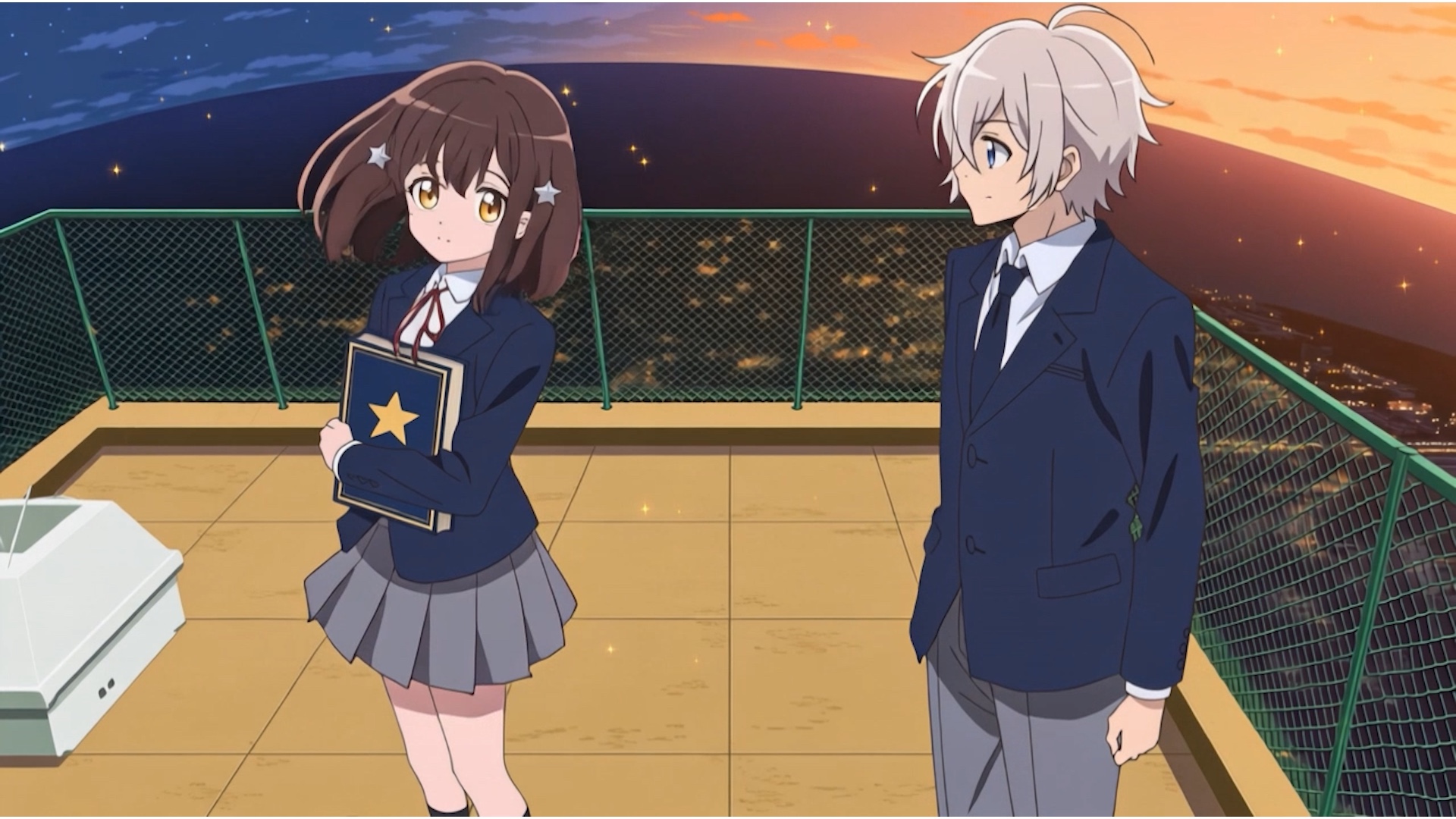
The book opens in golden light and the scene moves to the school rooftop after sunset, where city lights sit beyond the green wire fence
The short is published on the HFLUX channel with Korean subtitles
The five steps used on this piece
First came planning
The direction of a school romance fantasy was fixed in writing, together with the two characters, the locations, the props, the Japanese lines and the order of scenes
Second came the setting art: character sheets for Hiyori and Ren, location pictures, and prop sheets for the star hairpin and the star book, all made with AI image generation
Third, a starting picture was made for each scene with AI image generation, matched to those settled characters, places and props
Fourth, the chosen scene pictures were used as the first frame in the HFLUX Video tab, with the character movement, the camera movement and the Japanese lines written out and sound turned on, producing 15-second clips
Four of those clips were used
Fifth came editing, where the four clips were joined into 48 seconds and the title card carrying the Japanese title, the English title and HFLUX STUDIO was placed at the end
The Japanese dialogue and the voices
The Japanese dialogue voices were generated together with the video during the AI video production step, and the edited version uses that sound as it came out
Lines heard inside the clips include Ren saying that she must not touch the book, and later that the contract has been sealed and from today she is a guardian of the stars
Hiyori protests that he should not decide things on his own
At the end Ren says it is okay and that he will be by her side, and holds out his hand
Running the same flow in HFLUX
HFLUX is a web-based AI video creation platform for images, video, audio and shorts, and it runs straight in the browser with nothing to install
AI image generation is done in the Image tab
AI video production is done in the Video tab, where placing a picture in [First frame] inside the [Image → Video (first·last frame · optional)] field produces a clip that begins from that picture
According to the official guidance, the Video tab can also generate at 9:16 when a vertical screen is needed, and finished clips are joined and captioned in the Edit tab
The official guidance also states that in the Edit tab you drop the video and audio onto a timeline, cut and join them, and export an MP4
Auto-create captions in the [Captions] menu listens first, works out which language is spoken and writes the captions in that same language, and Japanese is among the languages it tells apart
Captions made this way can be moved onto a caption track in another language with Translate Captions while the originals stay as they are
The Edit tab is built for desktop Chrome
Step by step in HFLUX
Step one, open HFLUX in a browser, with nothing to install
Step two, write out the characters, locations, props, lines and scene order before generating anything
Step three, in the Image tab, make the setting art and then the opening picture for each scene
Step four, move to the Video tab, put a picture in [First frame] inside the [Image → Video (first·last frame · optional)] field, and write the movement and the lines for that clip
Step five, bring the clips into the Edit tab, lay them on the timeline, join them, add captions and export an MP4
These five steps are the AI animation making order on the HFLUX screens
Where the finished short goes
This short was published on the HFLUX YouTube channel
To build a short Japanese anime style story yourself, open hflux.co.kr and work through the Image tab and then the Video tab


댓글
댓글 쓰기