How to Make an AI Music Video with HFLUX FLOW — Behind LUMIQ 'Look At Me Now' Official MV

The answer first: where this was made
A girl group music video in which the song, the members and the footage were all made with AI has been produced by HFLUX STUDIO using HFLUX FLOW
It is the Official MV for "Look At Me Now" by the four-member group LUMIQ, and the video work started in the FLOW tab of HFLUX and moved through Assets and the Production board
HFLUX STUDIO is the AI production studio of h INTERNATIONAL in Korea, and the tool it used is the same FLOW anyone can open on the web
Is there really an AI that builds a music video?
The genre field in the FLOW tab offers twelve genres, and one of them is Music Video
According to the official guidance, when you select Music Video and attach a song file in MP3 or WAV, the song length, its sections and the lyrics are analysed and the shots are divided in the order of the track
Adding a lyrics document can make this more accurate, and if no song is attached, a song is made first from your keywords
The LUMIQ project started with one finished song file of 1 minute 25.6 seconds attached together with a lyrics document
The official guidance also notes that when video is generated on the production board, the song for that section comes with it, and that how closely mouth movement matches can vary by song and scene
Can you start without a script?
Yes
The official guidance states that writing keywords in the FLOW tab and adding images, documents, video or a song creates a project that runs FLOW to Assets to Production board
Attachment slots sort themselves by file type: images go in as references, PDF, TXT and MD as documents, and MP3 or WAV as the song
If you already have a finished script, you upload the file to the SCENE tab to split it into scenes and continue through the same Assets and Production board
Do the same faces stay the same across shots?
The official guidance treats pulling one short clip and carrying a whole story through to video as two different jobs, because the same person appears in several scenes and the same room comes back repeatedly
It explains that the character, location and prop images set in Assets carry across shots so the same person and the same space are generated
At the top of the Assets screen sit the Characters tab, Locations tab, Props tab and References tab, and a character sheet is automatically linked as a reference to the shots that person appears in
With Location lock, shots sharing a place and time of day receive the same spatial description, and the first image made for that location becomes the master plate attached as a reference to later shot images in the same location
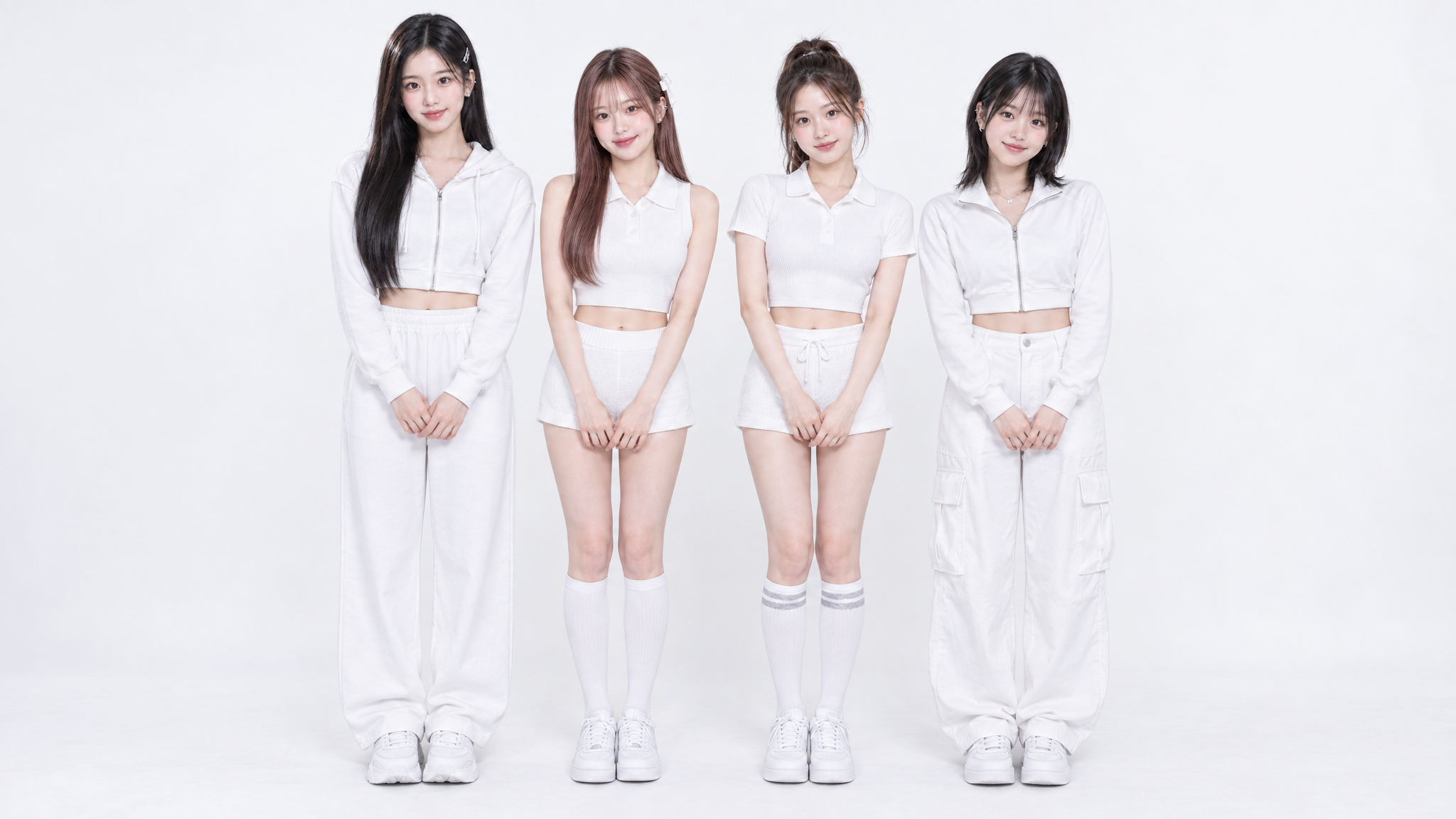
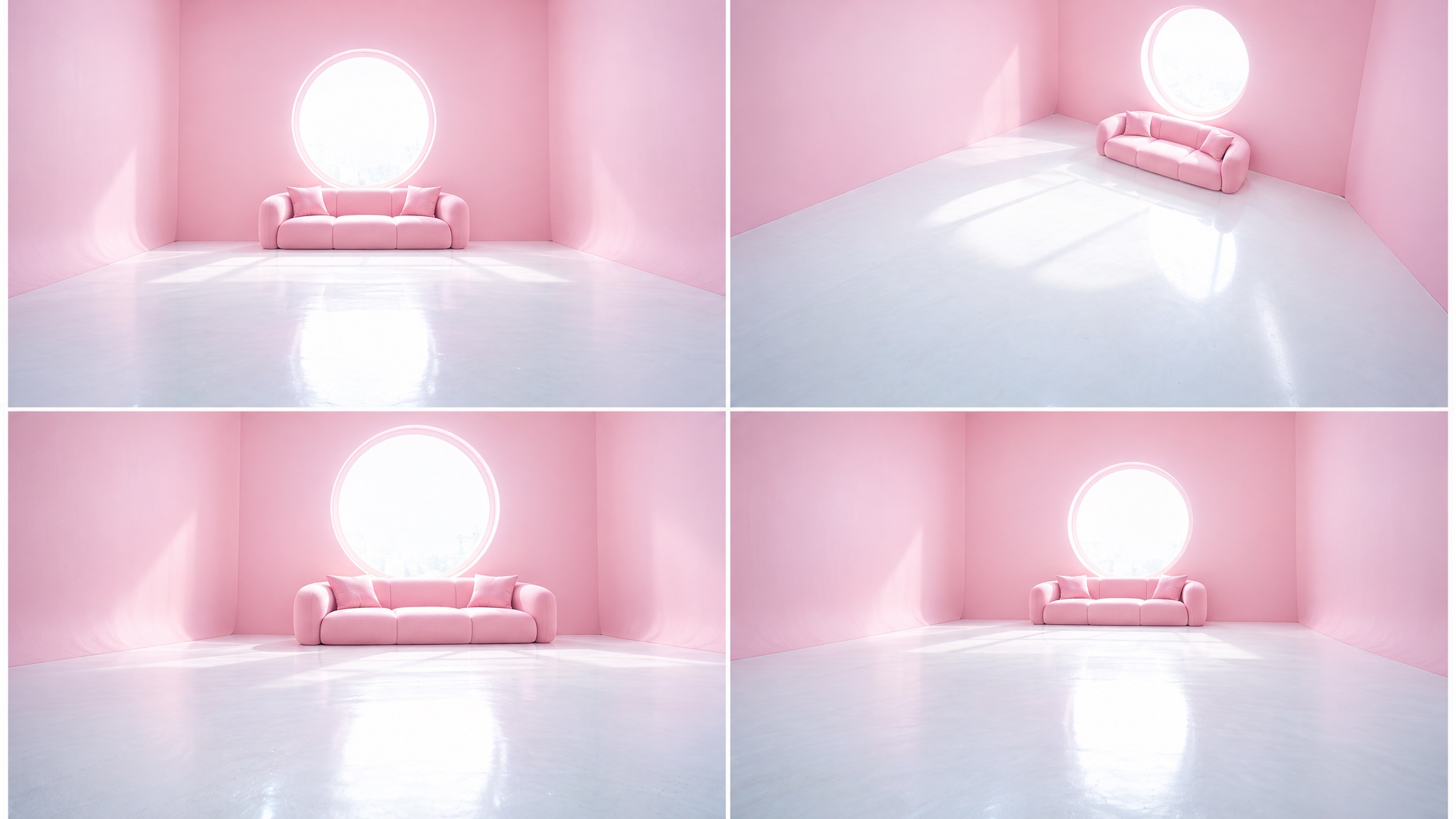
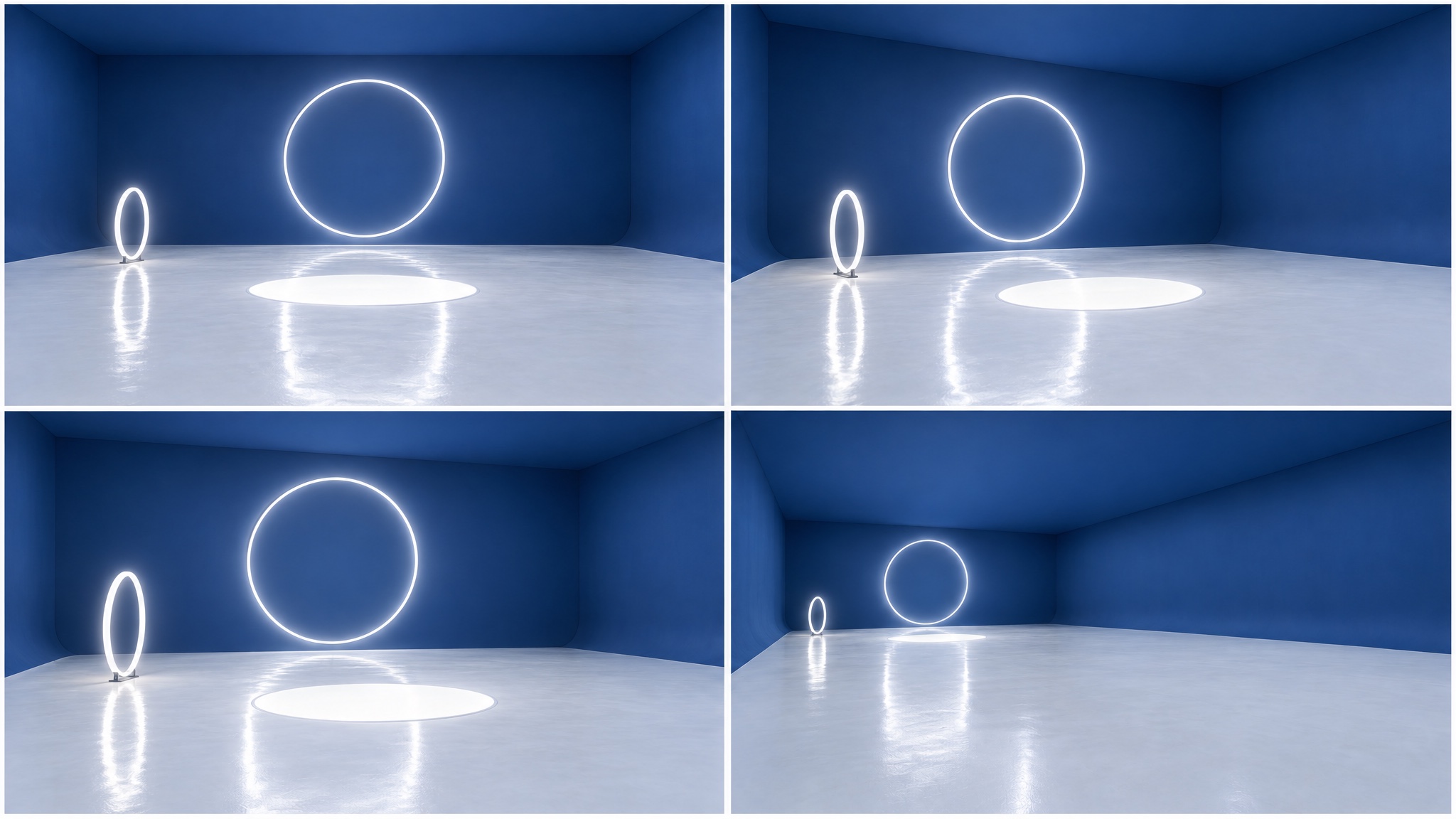
For LUMIQ, each member was given her own colour set: a white infinity studio for RIA, a pink candy room for SOI, a deep blue room for HARIN and a seafoam room for JAY
The project was built from twenty Assets images in total — five character images, four locations and eleven props
Can camera moves and blocking be specified?
Open [Edit SHOT] on a shot card on the production board and you get the slugline, dialogue and length along with directing fields
Shot Size, Camera Angle, Camera Movement, Lens and Blocking can be edited directly, and once saved the images and video are generated from them
You can also put a video in the References tab, set its use to Action and camera and choose the shot it attaches to, which is available on Seedance 2.x
The LUMIQ project began with member formations, blocking and camera movement written out per shot in the FLOW text field
Do you have to render at final quality from the start?
No
On Seedance 2.5, choosing the resolution [480p Draft] produces a draft first, and when the scene structure, shots and movement look right you press [1080p] on the video to make the final at the same settings
Draft and final are generated separately, the final comes out only at 1080p, and it can be made once within seven days of the draft
The [480p Draft] resolution is chosen in the Video tab and on the FLOW and SCENE production boards with Seedance 2.5, and the [1080p] button on a draft video is pressed in the Video tab, the production board or the Library tab
The LUMIQ shots followed that order as well — draft first to check the flow, then the 1080p final
Steps to follow in HFLUX
1 — Open the FLOW tab, write your keywords and attach the song file and lyrics document
2 — Select Music Video in the genre field; the video engine is then set to Seedance 2.5 at 720p and 16:9, and can be changed
3 — Set the SHOT Count, shot length, aspect ratio and visual style, then create the project
4 — In Assets, set character, location and prop images with AI generation, library or upload, and fill empty cards with [Batch generate] or [Generate all]
5 — On the production board, adjust the directing fields in [Edit SHOT] and check the flow at 480p Draft
6 — Press [1080p] on the shots you want to keep to make the final
7 — Press [To Edit] at the top of the board to place the shot videos in order on the Edit tab timeline, cut and join them, and export an MP4
8 — Raise the finished video to 1080p, 2K or 4K in the Upscale tab
Generated files are kept for up to seven days, so save the original to your PC as soon as it is made

Other formats on the same flow
The official list of uses covers short and feature films, drama and series, commercials, documentaries, storyboards and shot lists, and pitch material
An AI short film or an AI short-form drama therefore runs through the same Assets and Production board order
For vertical output, choose 9:16 in the aspect ratio field
The finished LUMIQ 'Look At Me Now' Official MV is at https://youtu.be/RMxLY3PZHDM, and the same FLOW workflow can be opened at hflux.co.kr
More about the studio is at h-international.co.kr


댓글
댓글 쓰기